09
3.6.4 AP connection
1) The mobile phone rst connects to the router WIFI at home, and then
connects to the hotspot WIFI emitted by the device to congure the device to
access the Internet.
Please make sure the device is working properly (not currently in "alarm" or
"low power" status),
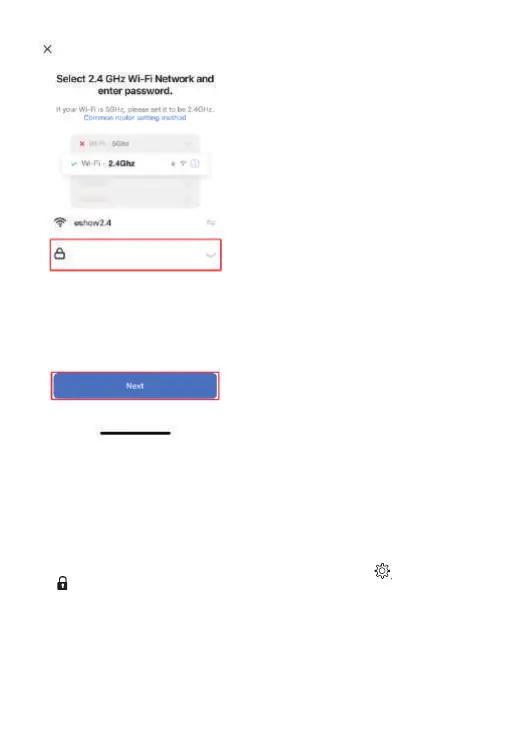
2) Enter the APP homepage, click the [Add Device] icon, select [WIFI
Connector] in the "Others" page to enter the WIFI input page, enter the WIFI
password and click [Next]. At this time, press and hold the [ ] key and
[ ] key . The host's LED white light ashes slowly and enters the AP
network conguration state.



 To Next Page