7.4: Method of storing a channel manually In the mode of reception, search the target
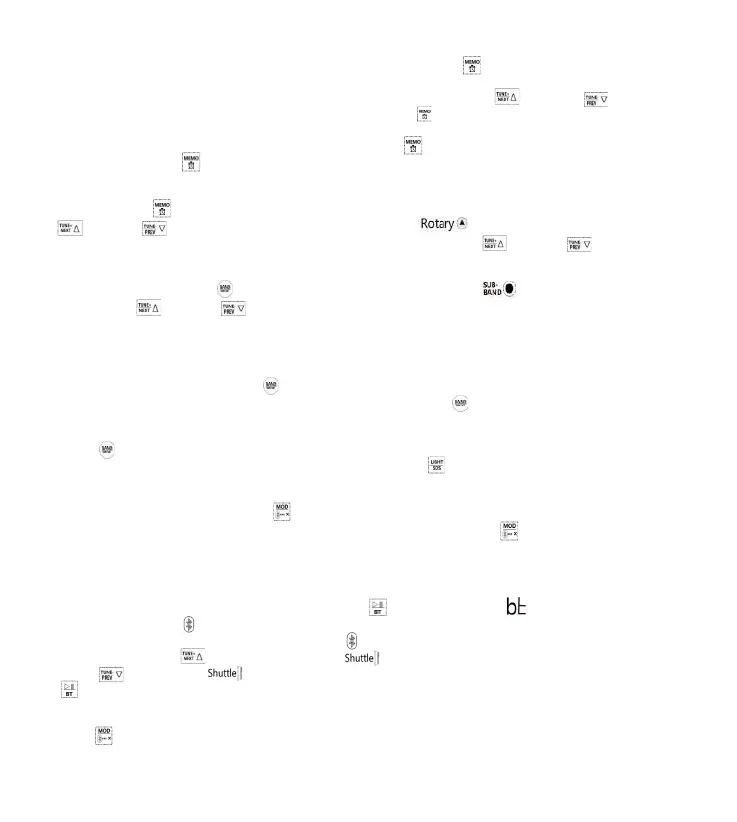
frequency using the methods in Article 7.3.2. Long press“[ ] ” for 2 seconds to enter
the mode of channel storage, the address of storing a channel
appears on LCD and“ PRESET **” flashes, now lightly press “[ ] ” or“[ ] ” to
choose an address of storing a channel and press“[ ] ” again to confirm. The address of
storing a channel is off, now manual channel storage is finished.
Note: if a target frequency is chosen, long press“[ ] ” for 2 seconds to store a channel
and lightly press“[ ]” to confirm a channel is stored. Channels can be stored like this
according to the sequence of addresses.
7.5: Take a channel Store a channel using the methods in Article 7.3.2.3 and 7.4.
Lightly press“[ ] ” to take a channel. When“ PRESET **” is displayed, lightly press
“[ ] ” or“[ ] ” or rotate the pulley on the right“[ ] ” to choose an address of
taking a channel. Change a channel every time lightly press“[ ] ” or“[ ] ”,and
“PRESET00-PRESET**” appears( “01-**”is the address of taking a channel).
Note:“PRESET--”means no channel stored.
7.6: WB:Lightly press“[ ]” to switch to WB. Lightly press“[ ] ” or lightly press and
long press“[ ] ” or“[ ] ” to choose a weather frequency.
Receiving frequencies:
1-162.400MHZ, 2-162.425MHZ, 3-162.450MHZ, 4-162.475MHZ,5-162.500MHZ, 6-
162.525MHZ,
7-162.550MHZ
Turn on the alarm: long press“[ ] ” for 2 seconds to enter automatic alarm“ ALE”. In the
state of“ ALE”, if no alarm signal is searched, long press“[ ] ” again for 2 seconds to exit“
ALE”.
(Note: after automatic alarm search, if no button works, long
press “[ ]” again for 2 seconds to cancel the alarm first and then use other functions)
Turn off the alarm: after the alarm rings, lightly press“[ ] ” to turn off the alarm and exit“
ALE”.
7.7: Start SQ function at AIR
In the mode of AIR, long press“[ ] ”,“ sq OFF” and“ sq On” appear on LCD. “ sq OFF”:
turn off SQ function “ sq On”: turn on SQ function Lightly press“[ ] ” to switch between the
two. What you choose will be the default one.
8: Introduction to Bluetooth mode
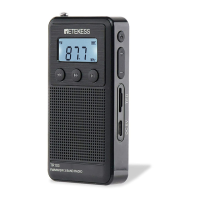
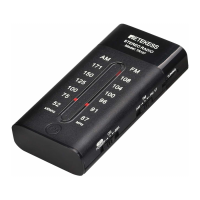
Bluetooth name of this product:“RETEKESS-TR112 ”.
8.1. When radio is powered on, lightly press“[ ] ” to switch to“[ ] ”.
Bluetooth symbol“[ ] ”flashes, which means it's waiting for connection to Bluetooth. After
successful connection, Bluetooth symbol“[ ] ” is always on.
8.2. Lightly press“[ ] ” or lightly push“[ ] ” clockwise to play the next song. Lightly
press“[ ]” or push“[ ] ” anticlockwise to return to the previous song. Long press
“[ ]” for 2 seconds to switch between pause and play, or operate the mobile to control
accordingly.
8.3. Disconnection of Bluetooth: in the mode of Bluetooth, long
press“[ ] ” to disconnect Bluetooth.
10



 To Next Page