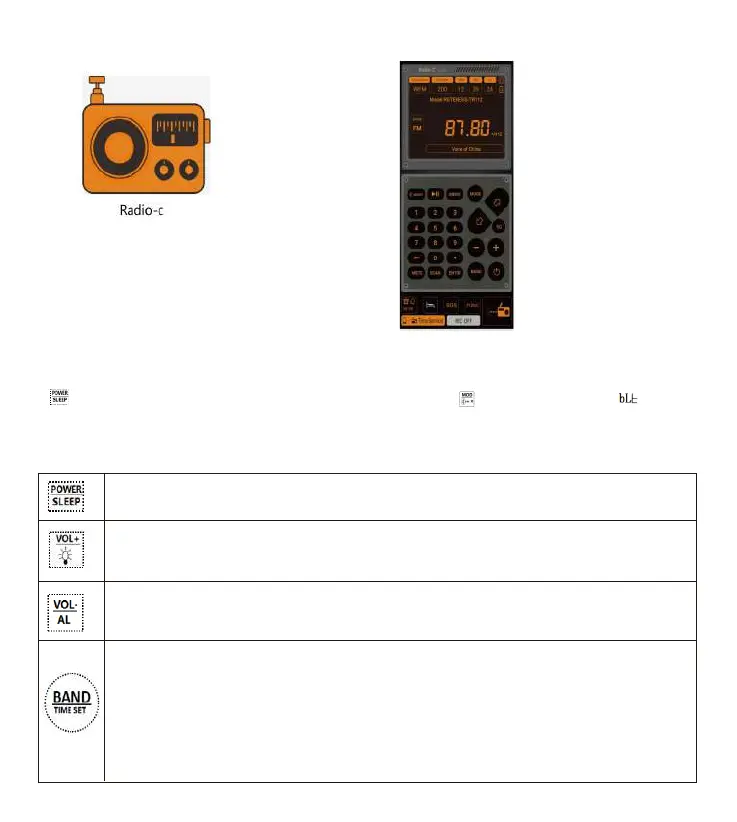
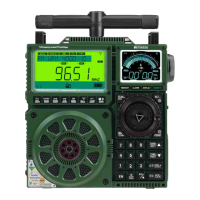
Click“ RETEKESS-TR112-BLE” to connect the APP. To disconnect the APP, lightly press
“ ” to turn off the radio and show the time. Long press“[ ] ” for 2 seconds,“[ ] ”
appears on the screen, and now APP is disconnected. To learn more about the functions of
APP, please the APP Instructions for Use.
5: Function of buttons
Step 3: Successful installation on mobile Step 4: Click to enter the APP
1: Power on/off【refer to details in Article 7.1.1】
2: Set the off time for sleep【refer to details in 7.1.2】
1: When the time is shown: set L1, L2 and L3backlight【refer to details in Article 16】
2: When the radio is powered on: light press&long pres s for volume increase.
1: When the time is shown: long press&light press for start of on timer& setting of clock timer
【refer to details in Article 11】
2: When the radio is powered on: light press&long pres s for volume decrease.
1: When the screen is off: light press for start of backlight & time dis play
2: When the time is shown: long press&light pres s for start of running time setting【refer to details in Article 10】
3: When the radio is powered on: light press for switching between FM/VHF/MW/SW/AIR /WB
4: In the mode of FM/VHF/MW/SW/AIR: long press for 2 seconds to enter the mode of full
automatic channel search and automatic channel st orage
5: In the mode of WB: long press th is button for 2 seconds to start the alarm. Before finding the alarm signal,
long press it again to ex it alarm search.
03



 To Next Page