Install the battery
Each walkie-talkie can use the random lithium battery pack, or nickel-metal
hydride rechargeable battery pack or three A alkaline batteries, and it will sound
a beep when the battery is low, and the battery icon and red indicator light will
flash.
1. When the back of the walkie-talkie faces you, push the battery lock button
backward and lift it up to remove the battery pack.
2. When installing the battery, insert the lithium battery pack into the battery slot,
press the battery down, and install it in place when you hear a "click" sound.
3. When using Ni-MH rechargeable battery pack or three A alkaline batteries,
please use the battery cover. Walkie-talkie battery meter
The number of power bars (0-3) on the displayed radio battery icon indicates the
remaining battery power. When the walkie-talkie battery meter shows a grid on
the right, the walkie-talkie has about 30% power left. When the battery icon
flashes and indicates that the battery is low, it needs to be charged in time.
Battery capacity maintenance
When not in use, charge the battery every 3 months, and remove the battery
from the walkie-talkie when storing.
2
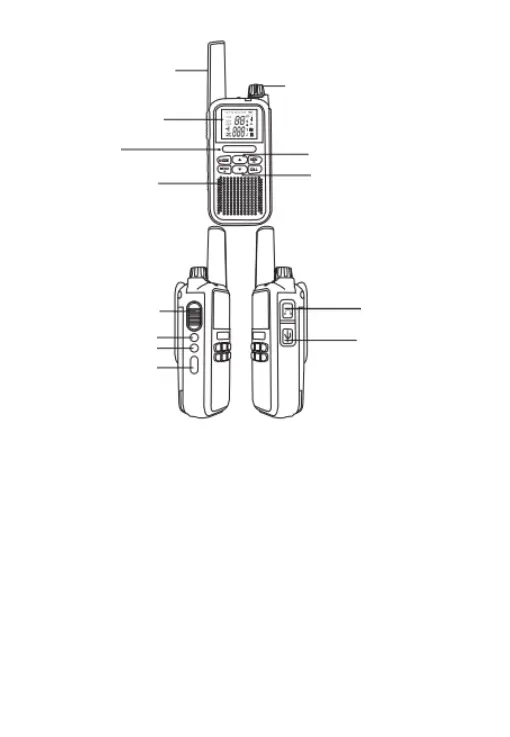
Antenna
Power switch/VOLUME
UP
Down
Headphone
Write Frequency Port
Mirror surface
Microphone
(input sound)
Speaker
(output sound)
PPT Button
Flashlight
(Definable)
(Definable)



 To Next Page