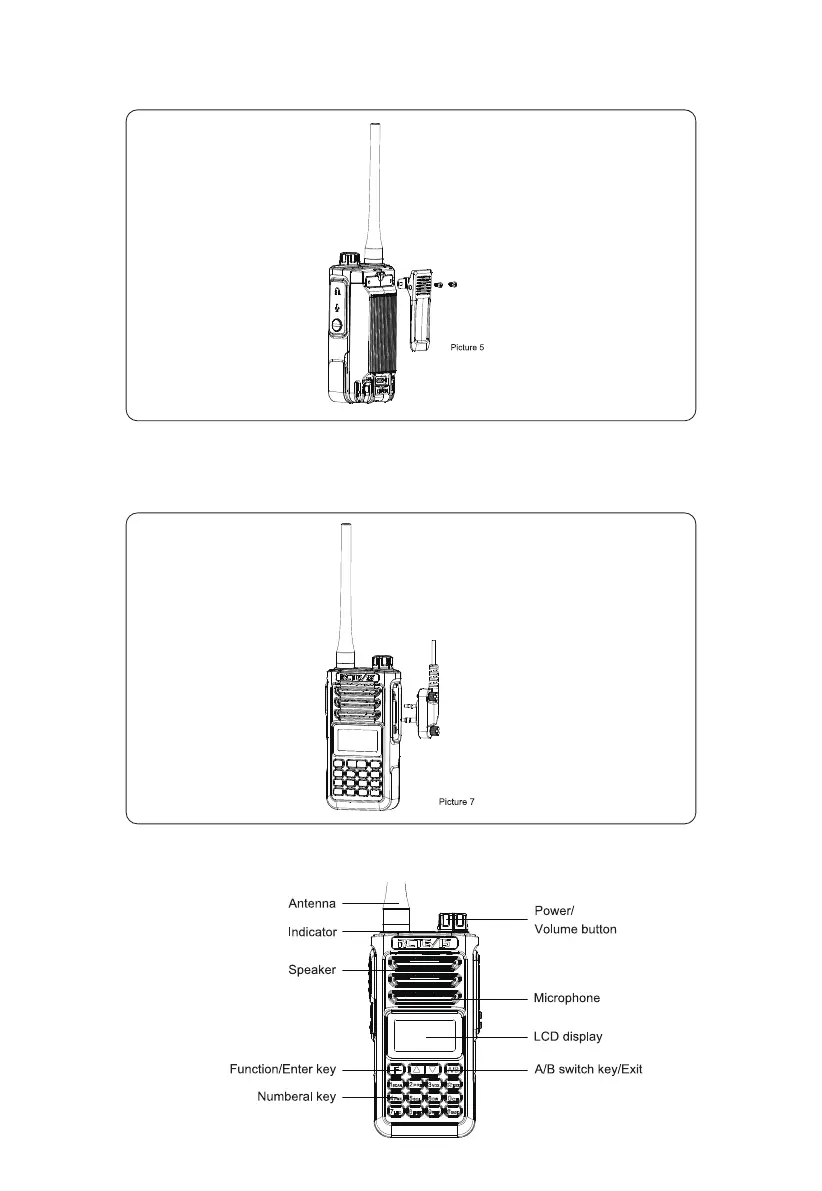
Belt Clip Installation
Align the two holds of belt clip and the two holes of the radios, fix them with the supplied M2.5*5 screws. Loosen the screw to remove the
belt clip.
External Micro/Speaker Installation
Open the cover of the Mic/Speaker Jack and insert the microphone/speaker plugs into the jack.
Note: using the external headset or Mic/speaker will affect the water-tightness performance of radio. If the external headset does not work,
please use the headset case.
RADIO ILLUSTRATION
03



 To Next Page