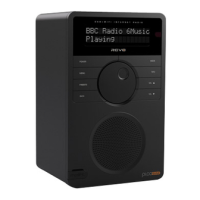
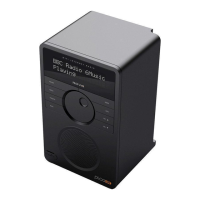
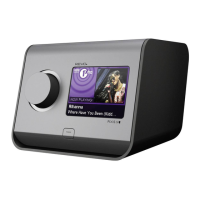
BBC Radio 6Music
Playing
14:12
Preset Stored
14:12
Station List
<BBC R6M >
14:12
09
SELECTING A STATION
To access your radio’s station list, press UP/DOWN or LEFT/RIGHT on
the joystick controller at any time, alternatively press then select
STATION LIST.
Scroll through the available stations using UP/DOWN or LEFT/RIGHT
on the joystick controller, then press the SELECT button to select your
station choice.
FAVOURITE STATION PRESETS
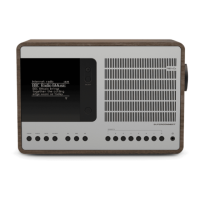
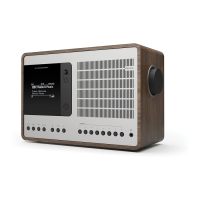
SUPERSIGNAL allows you to store your favourite stations as presets,
either via its 5 front panel mounted ‘hot-keys’, or the numbered
preset buttons located on the remote control.
To store the station you are currently listening to as a preset, simply
press and hold a preset button until “Preset Stored” is display on your
radio’s screen.
If you want to change a particular preset in the future, repeat the
process and the previously stored preset will be automatically
overwritten.
DAB RADIO MODE



 To Next Page
 Loading...