EasyManua.ls Logo

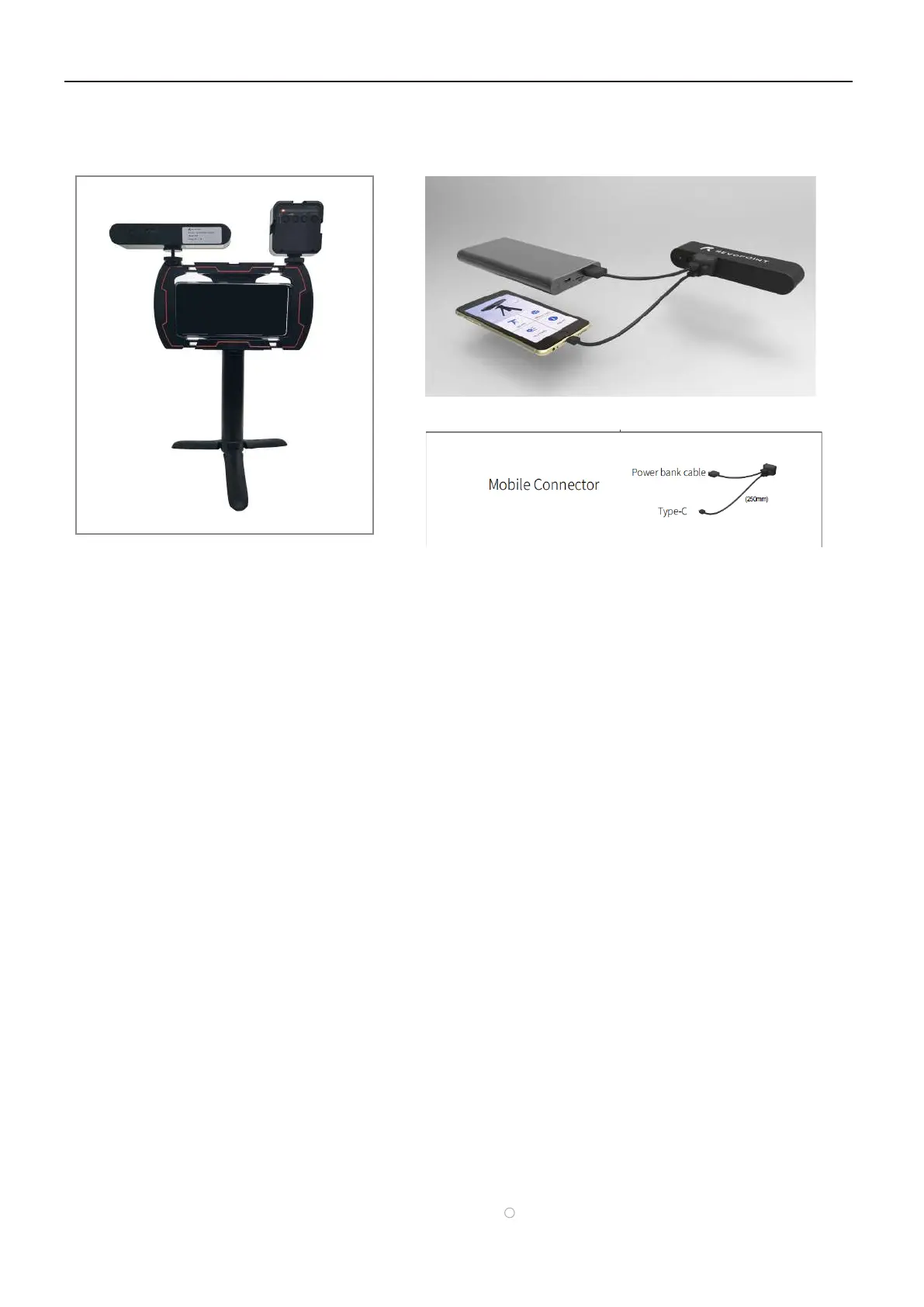
Revopoint 3D Technologies POP 3D SCANNER - USB Mode Connection; Connecting via USB Cable

Revopoint 3D Technologies POP 3D SCANNER
33 pages
Print Icon
To Next Page IconTo Next Page
To Previous Page IconTo Previous Page
Loading...
󾙔
Connector󾛑

󾙓 
󾙔


iPhone

󾛑
a phone cannot provide sufficient power to
to POP with   (In this case, please connect POP with Mobile Connector.)

󾙓
󾙔
󾙕󾛒󾛓

󾙔󾙒󾙔󾙓󾙕
󾙓󾙒

Other manuals for Revopoint 3D Technologies POP 3D SCANNER

Related product manuals