7
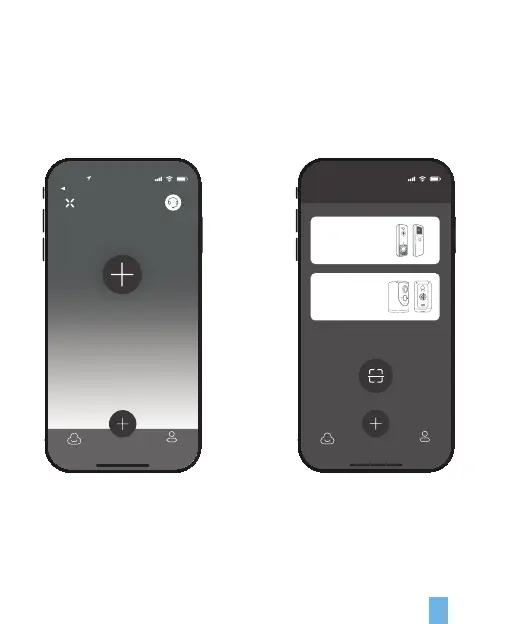
1. Open the Rexing Home app and log in to your account
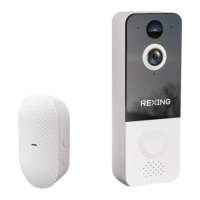
2. To add your SDB1 smart doorbell,
select the + icon
Step 3. Set up your device
To pair your device, follow the steps below and the in-app instructions.
10:25
Add a new device
App Store
Devices
Add deviceDevices Me
3. Select Video Doorbell.
10:25
Add devices
Add device
QR Code Sharing
Devices Me
Video Doorbell
Batttery Camera


 To Next Page