Professional Radio Control
DS-PROTRAP-4
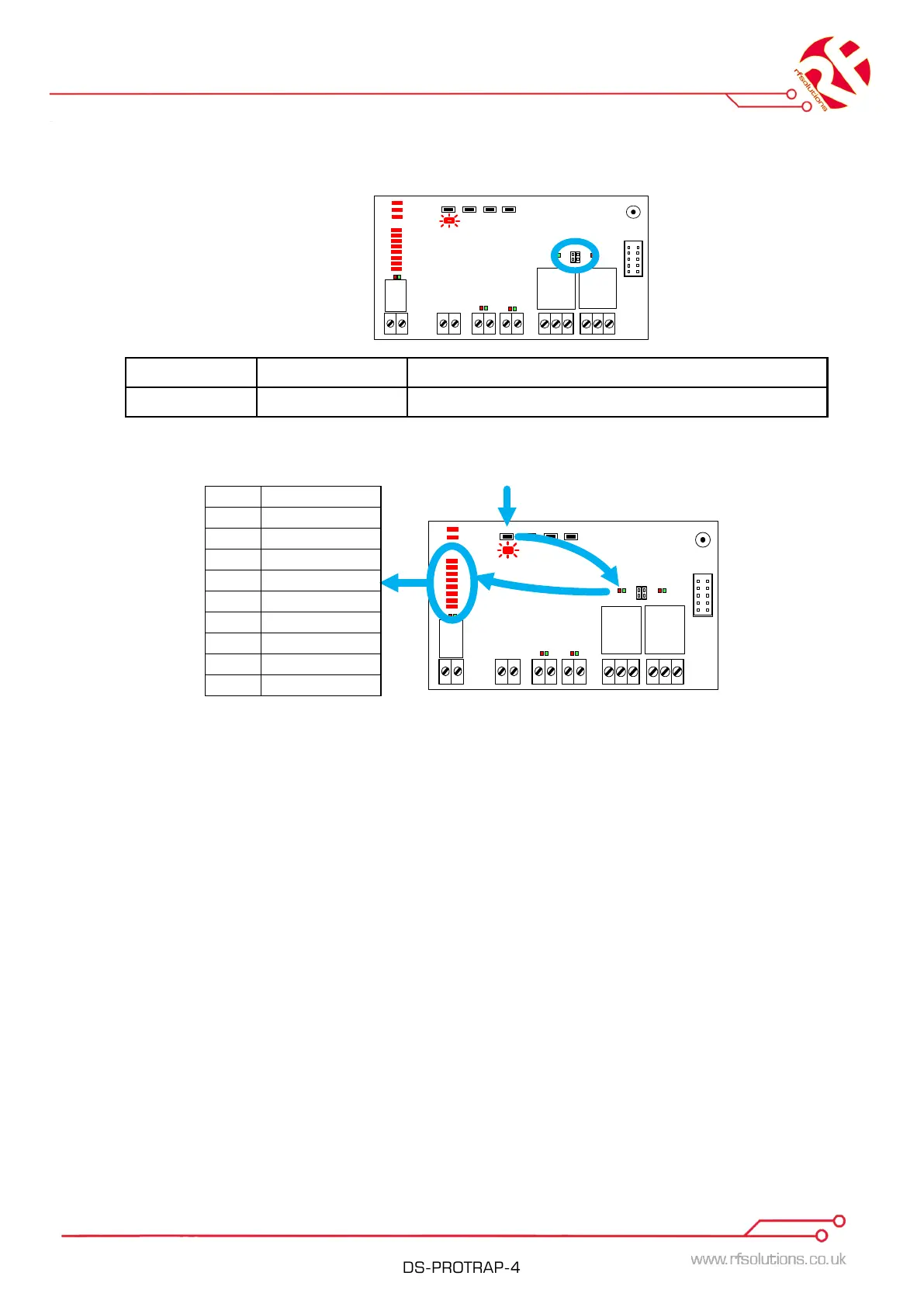
MOMENTARY/LATCHING setting links
Each Relay Output can be individually preset to Momentary/Latching by fitting or removing the Link
Headers.
Link Fitted LATCHING Output changes state on each Transmit signal
Link Removed MOMENTARY Output operates for duration of Transmit signal
Setting a Timed Output.
1. Briefly press the TIMER Switch .
2. The TIMER and first relay output LED’s will flash.
3. Press the TIMER switch again to scroll through relays until the chosen relay LED is flashing.
4. Wait until the chosen relay LED is on constantly.
5. Now each press of the timer button will increase the timer delay in line with the TIMER
OUTPUT table displayed on the signal strength LED’s.
6. When you have selected the required delay, wait 3 seconds.
7. The Red TIMER LED will stop flashing to show that the setting is saved
NOTE: Settings are saved even after power is removed.
NOTE: When zero LED’s are lit the relays will operate as per the Momentary/Latching links.
Erase ALL Timers:
1. Press and hold the TIMER button for 10 seconds,
2. Whilst held the TIMER LED will turn on and then flash fast.
3. When the LED flashes fast release the timer button the erase is complete
.
Note: When setting a Time Delay;
If the Jumper Link is Removed the time delay will restart on each transmission regardless of
output status.
If the Jumper Link is Fitted, the time delay output will Latch OFF / ON Timed with each
transmission.


 To Next Page
 Loading...