You can also change the temperature and air volume in the selected
channel mode. After the change is complete, you can press the correspond-
ing channel to save the set value in the corresponding channel.
11. Hidden function Description Setting: Long press "CH1" to convert Fahren-
heit/Celsius. Long press "CH2" to calibrate the current temperature, just press
"CH2" again for the actual temperature of the input tuyere, and the drawing
table will automatically correct the tuyere temperature to be consistent with
the displayed temperature. If not, repeat the operation until it is accurate.
Note:
In the operation, try to use low temperature and high air volume.
This is helpful to protect the safety of IC chip and prolong the service life of heater.
1.When using the equipment, ensure that the equipment is reliable and well
grounded, which helps to remove static electricity, can prevent the leakage of
equipment to the operator caused by electric shock danger.
2.When selecting the specification of welding nozzle, large size should be
selected as far as possible in the work, which is conducive to increasing the
heating area of the object, so that the object can quickly absorb heat to make
it melt tin.
3.In the work, as far as possible low temperature wind, the general use of
temperature in 280℃-330℃ is appropriate.
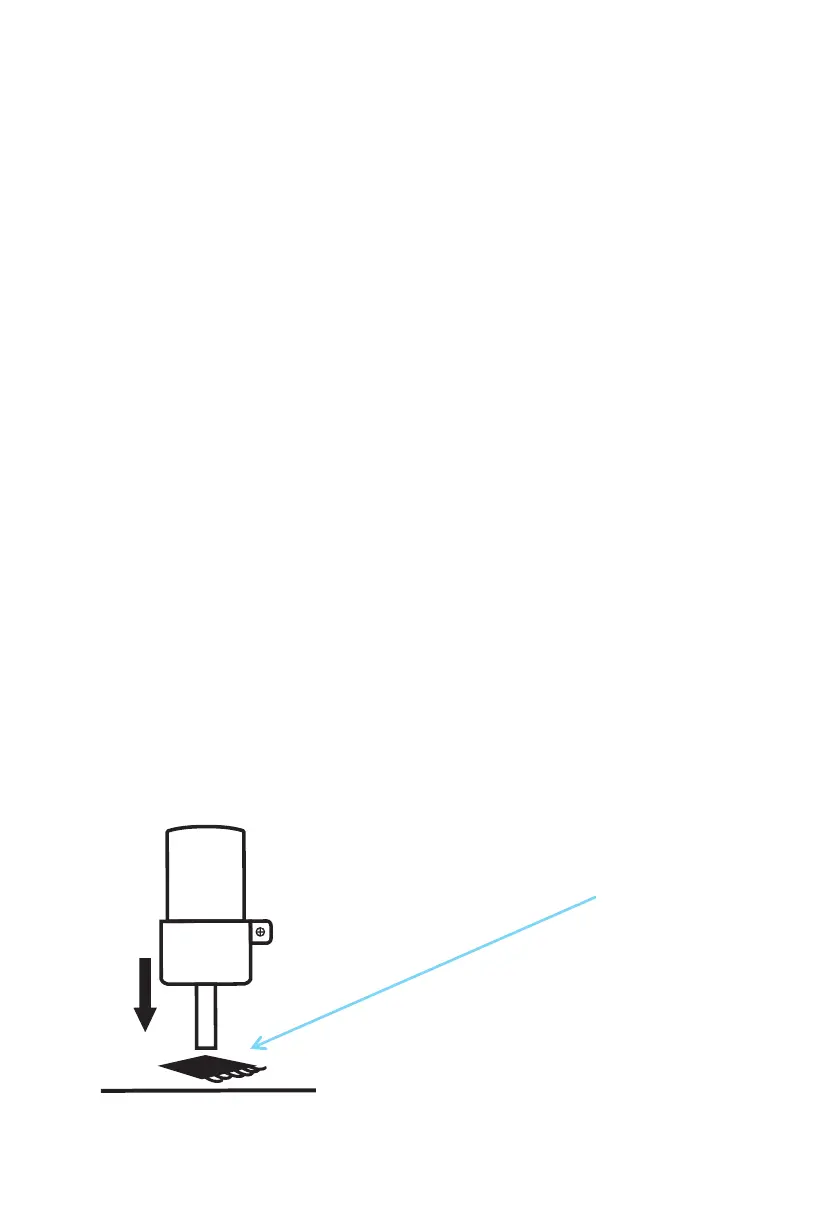
When operating, the best distance between the nozzle and the workpiece is
5mm-8mm. When preheating the workpiece, please move the handle to
direct the hot air flow to the chip pin, so that the workpiece is heated evenly,
which can protect the workpiece well.
V .Operation skills
5mm-8mm


 To Next Page
 Loading...