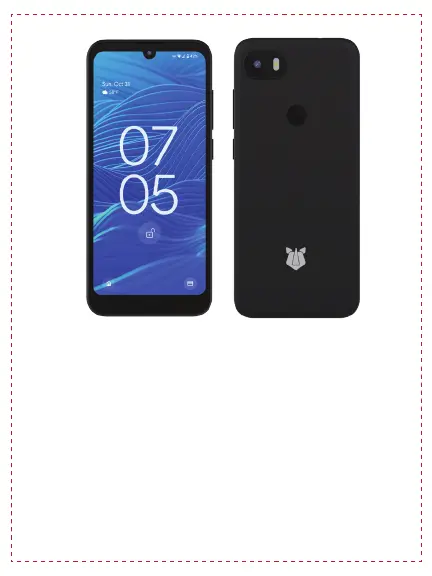
Get Started
Press and hold the power button for 4 seconds
until the devices turns on and vibrates.
This device may be pre-provisioned by your
organization, so the Android setup flow you’re
used to may be interrupted by the Android
zero-touch management prompt.
2


 To Next Page