EasyManua.ls Logo

Rhodes MK8 - Powering On Your MK8; Connecting Power and Switching On

Rhodes MK8
12 pages
Print Icon
To Next Page IconTo Next Page
To Previous Page IconTo Previous Page
Loading...

4.
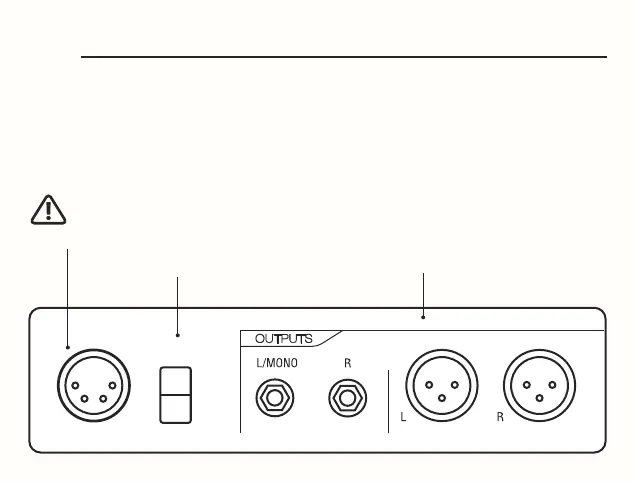
Connect the mains power cord to the included MK8 universal voltage
power adaptor. Plug the 4-pin XLR power connector into the MK8 power
input . Next, plug the mains cable into a power outlet. Flick the power
switch to ON, turn up your monitoring equipment to a comfortable level
and your MK8 is ready.
POWER
15V/1A
OFF
ON


Audio connections

your monitoring equipment.

Related product manuals