FCC ID: P27MDC450
IC : 5604A-MDC450
3
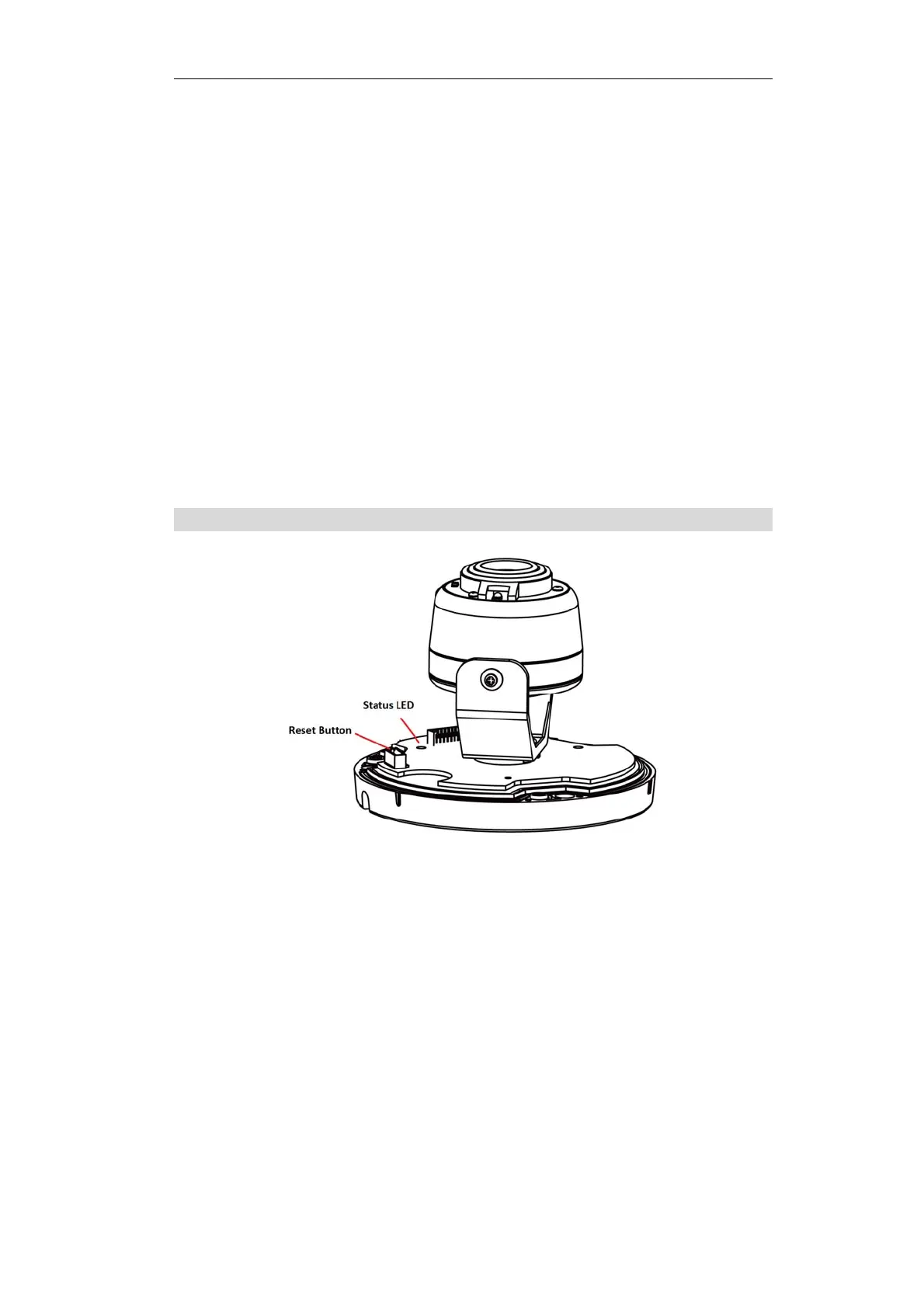
Status LED
(Green, Amber,
Blue)
On (Green) - Power on.
Off - No power.
Slow Blinking (Green) - The LED blinks during start
up.
Fast Blinking (Green) - Download mode.
On (Blue) - Network connection is available.
Blinking (Blue) - The data is transmitting/receiving
via network.
On (Amber) - Firmware upgrade failure or
heater is on.
Blinking (Amber) - The firmware is upgrading.
N
ot
e
:
If
d
a
ta
i
s
b
e
in
g
tr
a
n
sm
i
tt
e
d
v
i
a
L
A
N,
t
h
e
color
of the LED is blue.
Reset Button
Figure 2: Reset Button
Reset Button
When pressed and held over 15 seconds, the
camera reboots and the settings are restored
to default values.



 To Next Page