FCC ID: P27MDC450
IC : 5604A-MDC450
4
Chapter 2
Basic Setup
This Chapter provides details on how to setup and mount
the Mini Dome Camera.
Installation
1.
Remove Bubble and Protective Foam
a.
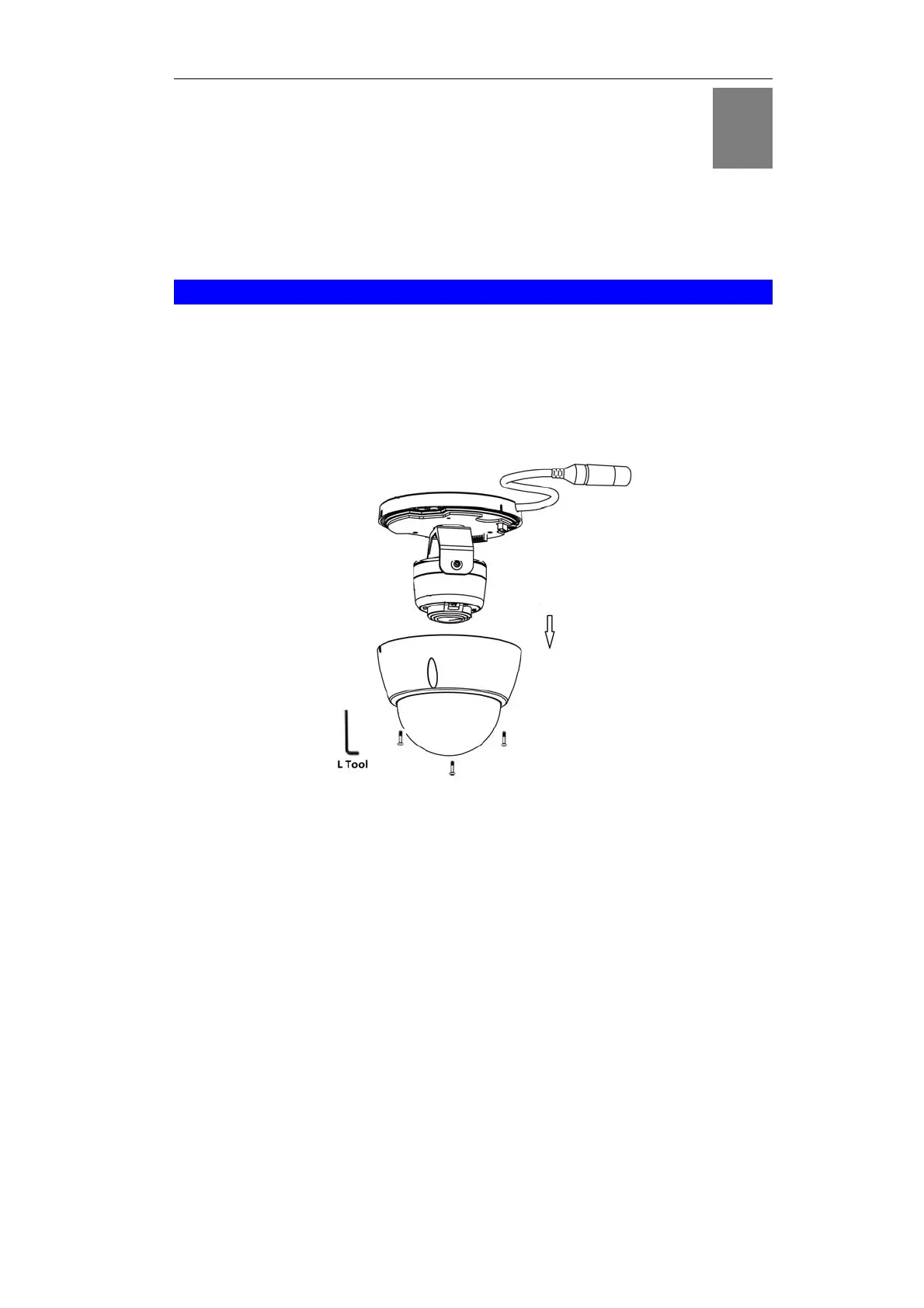
Use the L tool to remove the three retaining screws and bubble.
b.
Remove the protective foam.
Note: Leave the bubble detached for later access for ceiling
mounting.
Figure 3: Removing the Bubble
2.
Power Up
Connect a standard Ethernet cable (not provided) to the LAN port of
the camera cable and the LAN port on the gateway
Note: Please use the water-proof caps where the Ethernet cable
needs to be run with wet environment. Tighten up the caps after
connecting the Ethernet cable to the port of the camera.
2



 To Next Page