REPEAT DISC PLAY (IF EQUIPPED)
1. Press REP button once to repeat disc play of one track.
2. Press REP button twice to repeat disc play all the track.
3. Pressing once more turns off repeat mode.
PROGRAMMED DISC PLAY (IF EQUIPPED)
1. Press the STOP button.
2. Press the PGM button.
3. Select a track number then press PGM button again.
4. Repeat step 3 until all the desired tracks are programmed (Up to total 20
tracks).
RADIO
1. Rotate the VOLUME knob from OFF position towards MAX position to turn
on the unit.
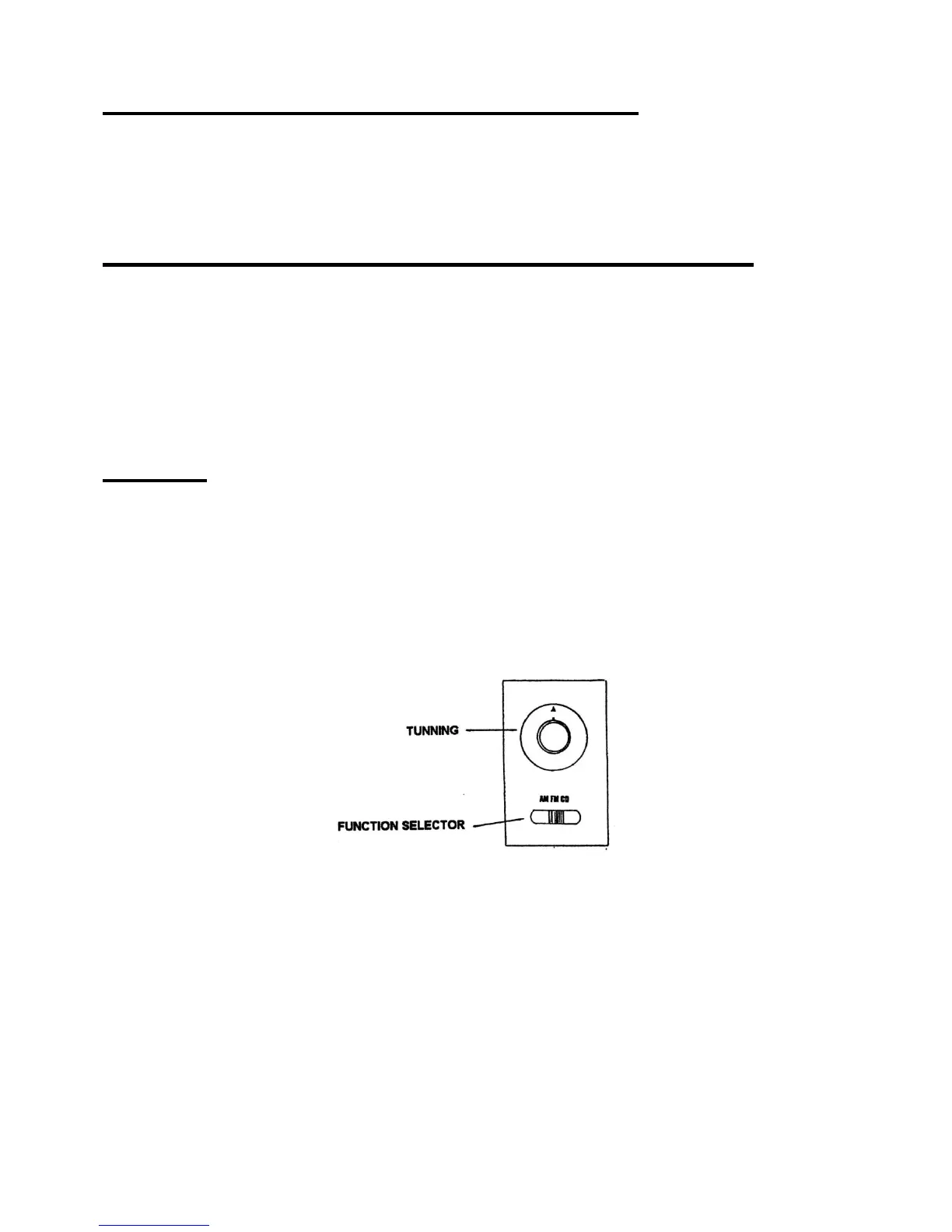
2. Select AM or FM by sliding the FUNCTION selector.
3. Select radio station by rotating the TUNING knob.
4. To turn off the unit, rotate VOLUME knob to OFF position.
FM ANTENNA JACK (IF EQUIPPED)
For better FM reception, connect FM antenna wire (included) to the FM
ANTENNA jacks (located at the back cover)



 To Next Page