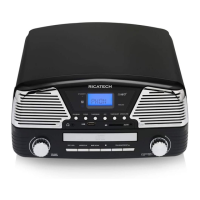
Headphone Jack Operation
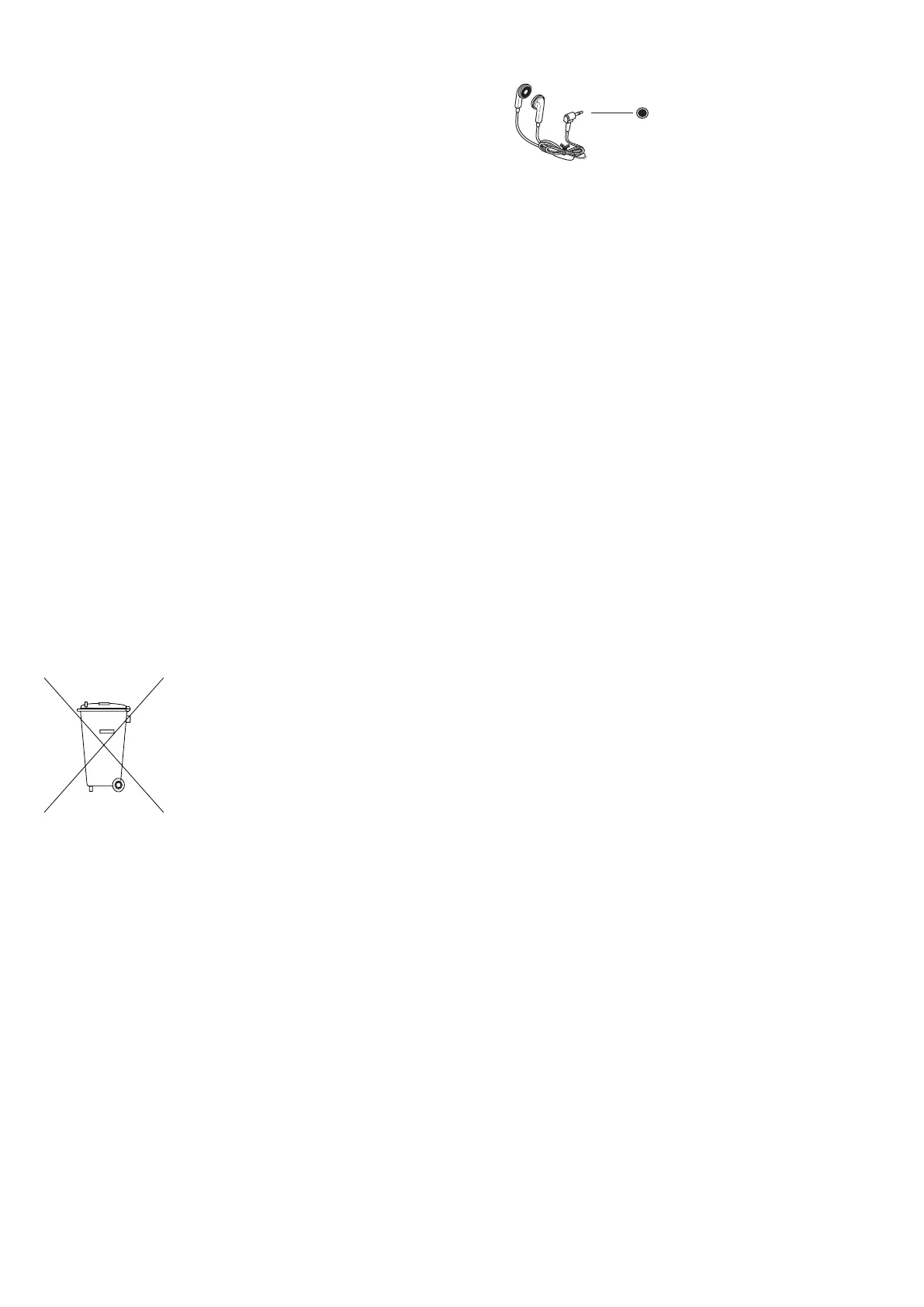
1 Connect headphones to the Headphone Jack
2 Adjust volume to the desired listening level.
NOTE: When using headphones, the sound to
the unit speakers will be cut off.
NOTE: Headphones not included with unit. The sound from all speakers is cut off
Troubleshooting
There is no Power
1 The AC Power plug is not well connected.
2 Check to see that the ON/OFF volume knob is in the on position.
There is no Sound
1 Check the volume level by turning the volume knob.
2 Make sure the LINE IN SWITCH is in the OFF position if the LINE IN JACK is not being used.
Turntable will not work
1 Make sure the function switch is set to phono.
2 Try moving the tone arm to the right until you hear a click.
3 Make sure the protective needle cover is removed.
Recycling
This crossed bin symbol on the appliance indicates that the product, at the end of
its life must be disposed of seperatly from domestic waste, either by taking it to a
seperate waste disposal site for electric and electronic appliance or by returning it
to your dealer when you buy another similar. The user responsible for taking the
appliance to a special waste disposal site at the end of its life. If the disused
appliance is collected correctly as separate waste, it can be recycled, treated and
disposed of ecologically,this avoids a negative impact on both the enviroment and health, and
contributed toward the recycling of the product’s materials. For further information regarding the
waste disposal service available, contact your local waste disposal agency or the place of purchase.
Headphone jack



 To Next Page