EasyManua.ls Logo

Richards-Wilcox DYNA-HOIST DC Series - User Manual

Richards-Wilcox DYNA-HOIST DC Series
32 pages
Print Icon
To Next Page IconTo Next Page
Loading...
PB
1
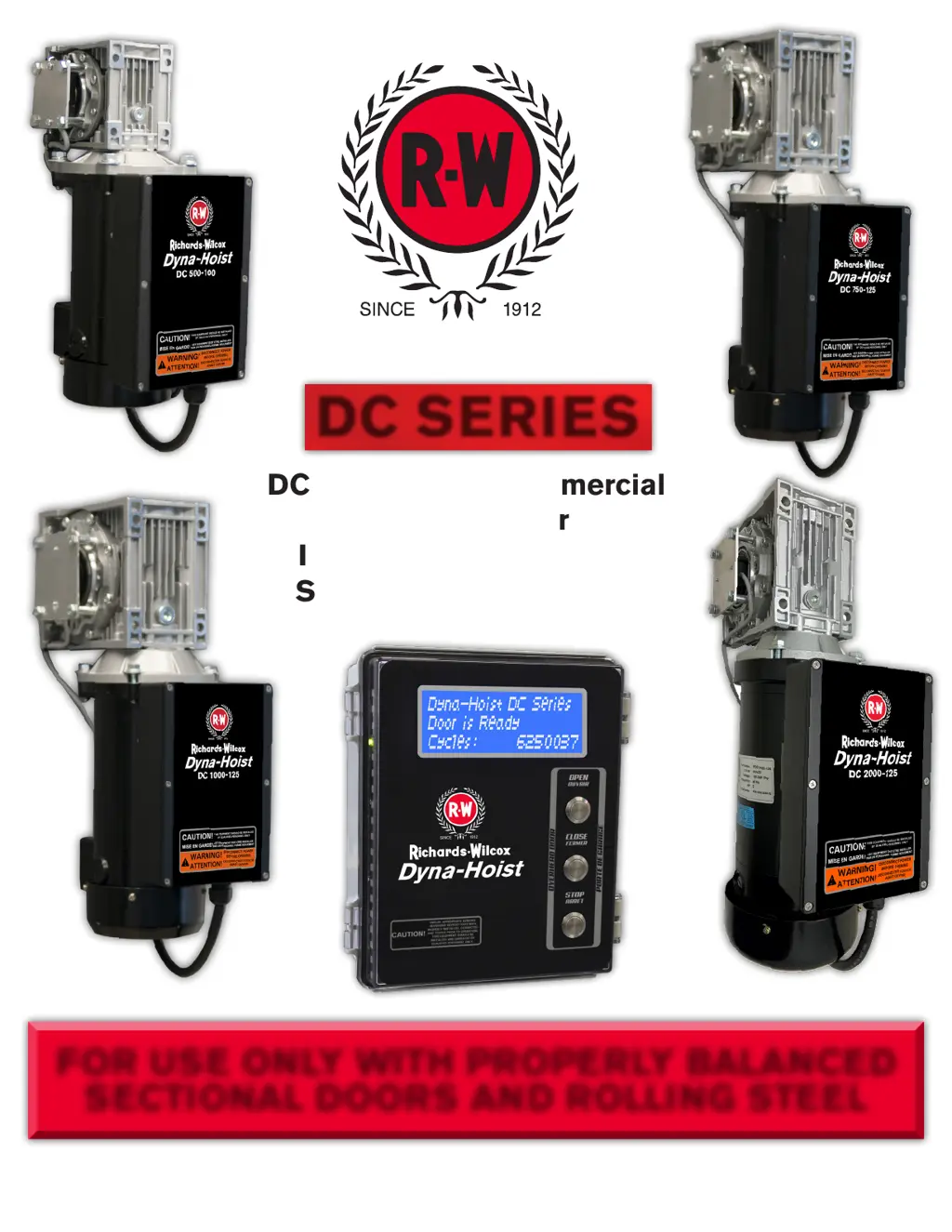
DC Direct Drive Commercial
Door Operator
Installation Manual and
Setup/User Instructions
FOR USE ONLY WITH PROPERLY BALANCED
SECTIONAL DOORS AND ROLLING STEEL
Dyna-Hoist DC Installation
Manual and Setup/User Instructions-R0
Engineered for Life
www.rwdoors.ca/dynahoist
DYNAHOIST
DC SERIES

Questions and Answers

  • K
    Kylie SimsAug 13, 2025
    How to fix Richards-Wilcox DYNA-HOIST DC when there is no display at the LCD panel?
    • F
      fwhiteAug 13, 2025
      First, check that the power is on at the circuit breaker and disconnect switch, and verify all wiring connections. Then, check the fuse in the junction box. Also, ensure all connections in the J/box (near the operator) and control panel are secure; specifically, check that the ribbon cable to the LCD display is firmly connected at both ends. Check the voltage between terminal +24 and COM; if the voltage is less than 23V, inspect the wiring between the junction box and the control panel. If 24Vdc is detected and the ribbon cable is connected, the LCD panel assembly may need replacement. Finally, disconnect the +24V wire in the control panel and check the voltage; if it reads 24Vdc, the control panel circuit board may require replacement.
  • M
    Michael LewisAug 17, 2025
    What to do if Richards-Wilcox Door Opening System door reverses before reaching close position?
    • A
      amy57Aug 17, 2025
      First, ensure that the photo-eye/reflector/thru-beam sensor is properly aligned, not obstructed, and correctly wired. Clean, realign, and clear any obstructions. Recheck the wiring. If the issue persists, the force monitoring may be too sensitive; adjust the Closing Force setting in the Advanced Menu, noting that 1 is most sensitive and 20 is least sensitive. Also, there might be malfunctioning third-party reversing devices; disconnect them and install a jumper between reversing input terminal 3 and +24 to test. Reconnect the reversing devices one at a time to identify the defective device.
  • A
    Antonio CarterAug 21, 2025
    What to do if Richards-Wilcox DYNA-HOIST DC Door Opening System door stops at random position?
    • A
      Andrea NorrisAug 21, 2025
      Check the encoder for wear and reposition it if necessary. Ensure the set collar on the shaft is set at 3" from the end. Run the limits setup, and if the problem persists, replace the encoder.
  • T
    Tammy PattersonAug 25, 2025
    Why Richards-Wilcox DYNA-HOIST DC shows 'Door is stopped' message?
    • R
      Ronald CollinsAug 25, 2025
      The 'DOOR IS STOPPED' message may appear due to an obstruction or the door being jammed. Remove any obstructions and free up the door. Turn off the AC power and test operate the door with battery power. The pusher springs might be preventing the door from reaching the open limits; remove them and install the upper limit brackets supplied with the operator, or set the OPEN limit so that the pusher springs are not engaged. Also, the encoder may not be properly positioned; check and adjust it as described in the installation manual.
  • J
    Julie HammondAug 28, 2025
    How to troubleshoot Richards-Wilcox Door Opening System that does not work on battery power?
    • M
      Michael StricklandAug 28, 2025
      First, check if the in-line fuse on the battery red wire is blown and replace it if necessary. Then, check the battery voltage; if it's low, let the batteries charge for 24 hours with AC power on. Replace the batteries if they still don't charge, and replace the control board if the batteries are charged. Also, ensure the door is balanced properly. Finally, make sure the main power to the unit is off.
  • R
    rdavisSep 1, 2025
    What causes Richards-Wilcox DYNA-HOIST DC door to move few inches and stops?
    • J
      Jessica SaundersSep 1, 2025
      If the door moves only a few inches after an open/close command and then stops, it might be due to the jumper between the ‘S’ and ‘+24’ terminals being removed; if no push-button station has been wired in its place, reinstall the jumper. Alternatively, the remote push button may not have the NC (normally closed) contact for the stop button; replace the push button station (or the contact for the STOP button) with one that has an NC contact on the STOP button. Also, the remote push button station could be wired incorrectly; check and correct the wiring as necessary.
  • J
    Jessica LarsenSep 4, 2025
    Why Richards-Wilcox DYNA-HOIST DC Door Opening System door constantly stops short of close position?
    • P
      paul68Sep 5, 2025
      The motor position setting may be incorrect. Check the Motor Position from the SETUP menu (Operator position LH or RH as viewed from Interior) and change if necessary. Then, reset the limits.
  • E
    erindavisSep 8, 2025
    How to adjust load sensing on Richards-Wilcox Door Opening System?
    • N
      Natasha RichardSep 8, 2025
      To adjust the load sensing, modify the Closing and/or Opening Force. Increase or decrease based on door weight/side and application of the door.

Richards-Wilcox DYNA-HOIST DC Series Specifications

General IconGeneral
BrandRichards-Wilcox
ModelDYNA-HOIST DC Series
CategoryDoor Opening System
LanguageEnglish