Richcomm System Technologies Co.,Ltd
Tel:+86 20 6685 4299
Fax: +86 20 8230 6916
www.richcomm.com.cn/e
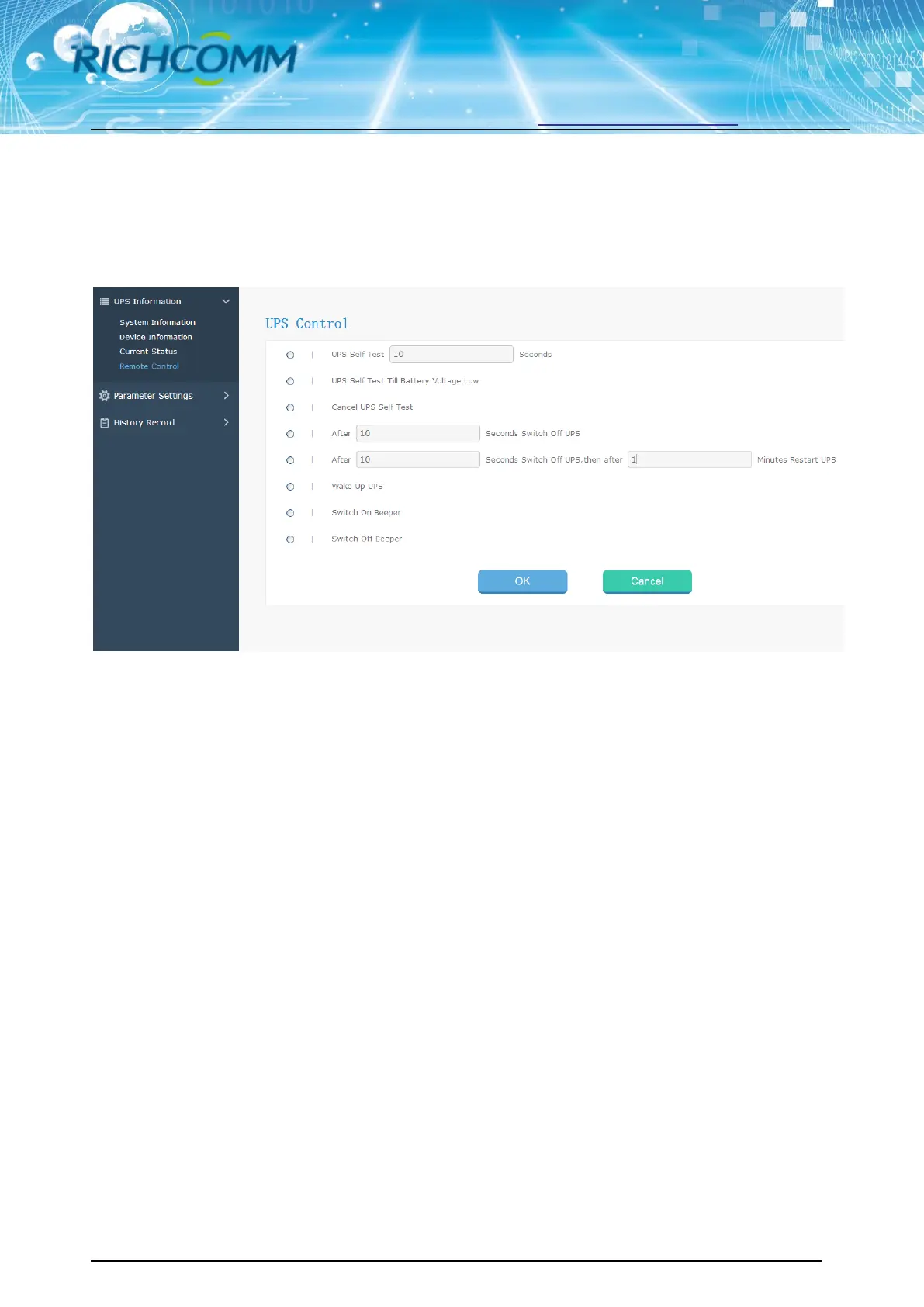
3.1.4 Remote Control
This part is to set switch on/off control command for instant self-test, switch off, restart UPS and
beeper.
3.2 Parameter Setting
Sub-Menu:
System Setting
Network Settings
SNMP Settings
E-mail Settings
User Settings
IP POWER Settings
3.2.1 System Setting
Basic Parameter Settings
This part is to set UPS basic parameters and the communication protocol is default, Baud Rate/
Offline Times/Alarm Times/Inquiry/Battery Quantity/ Battery Type/System Date Time need to be set
according to real UPS information (Please refer to the UPS user manual)



 To Next Page