Richcomm System Technologies Co.,Ltd
Tel:+86 20 6685 4299
Fax: +86 20 8230 6916
www.richcomm.com.cn/e
2.5Login Web Monitoring Interface
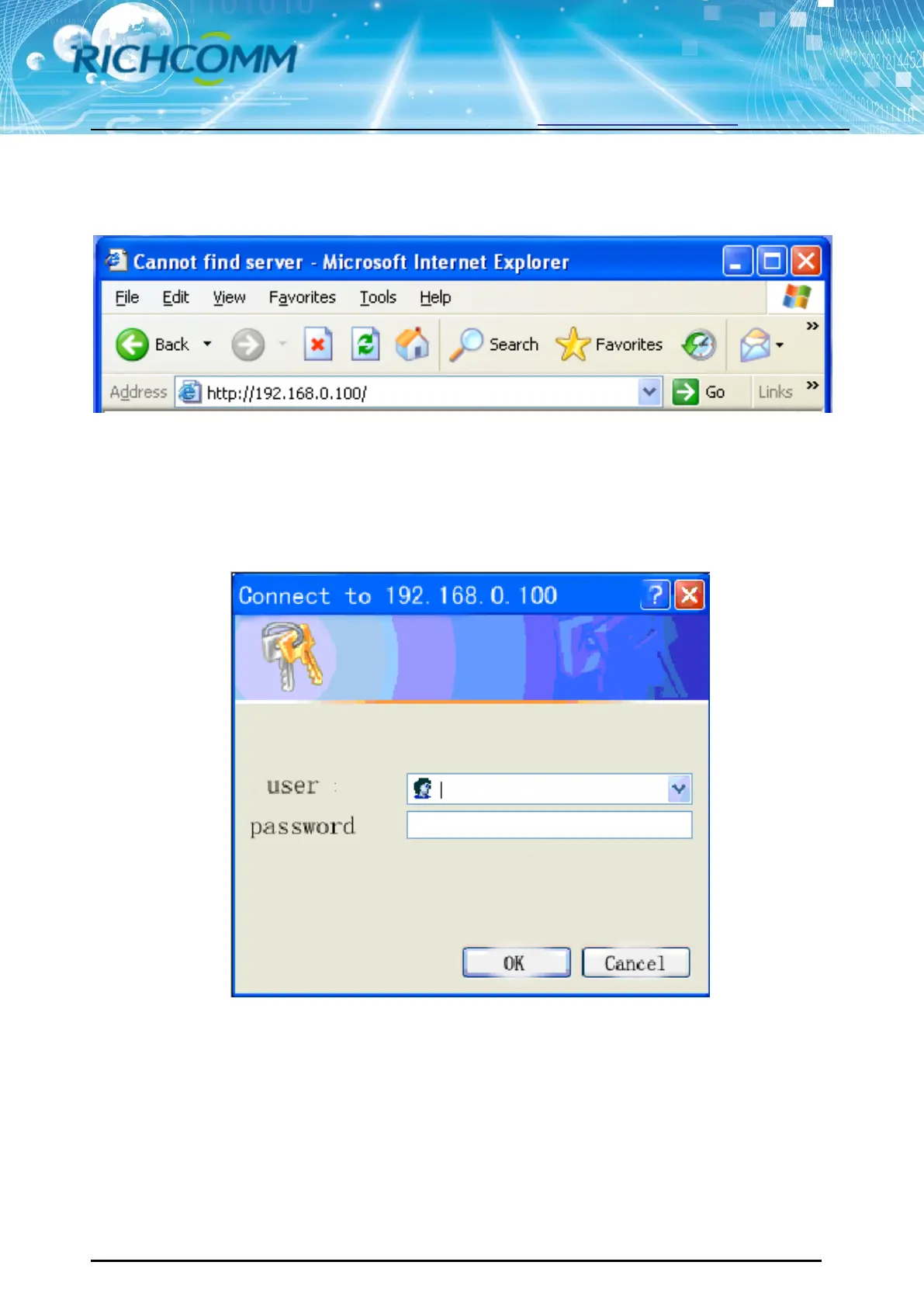
All above steps finished, open a web browser(suggest IE/firefox/chrome etc), input default IP
address 192.168.0.100 and enter
Input user name and password , default user name & Password are both “admin”.
(Users can change the User name and Password by the post setting)



 To Next Page