EasyManua.ls Logo

Ricoh D7510 - Operations in the On-Screen Display Menu; Using the Control Panel Buttons (RICOH Collaboration Board D5530;D5530 BK)

Ricoh D7510
68 pages
Print Icon
To Next Page IconTo Next Page
To Previous Page IconTo Previous Page
Loading...
Operations in the On-Screen Display Menu
Using the Control Panel Buttons (RICOH Collaboration Board D5530/
D5530BK)
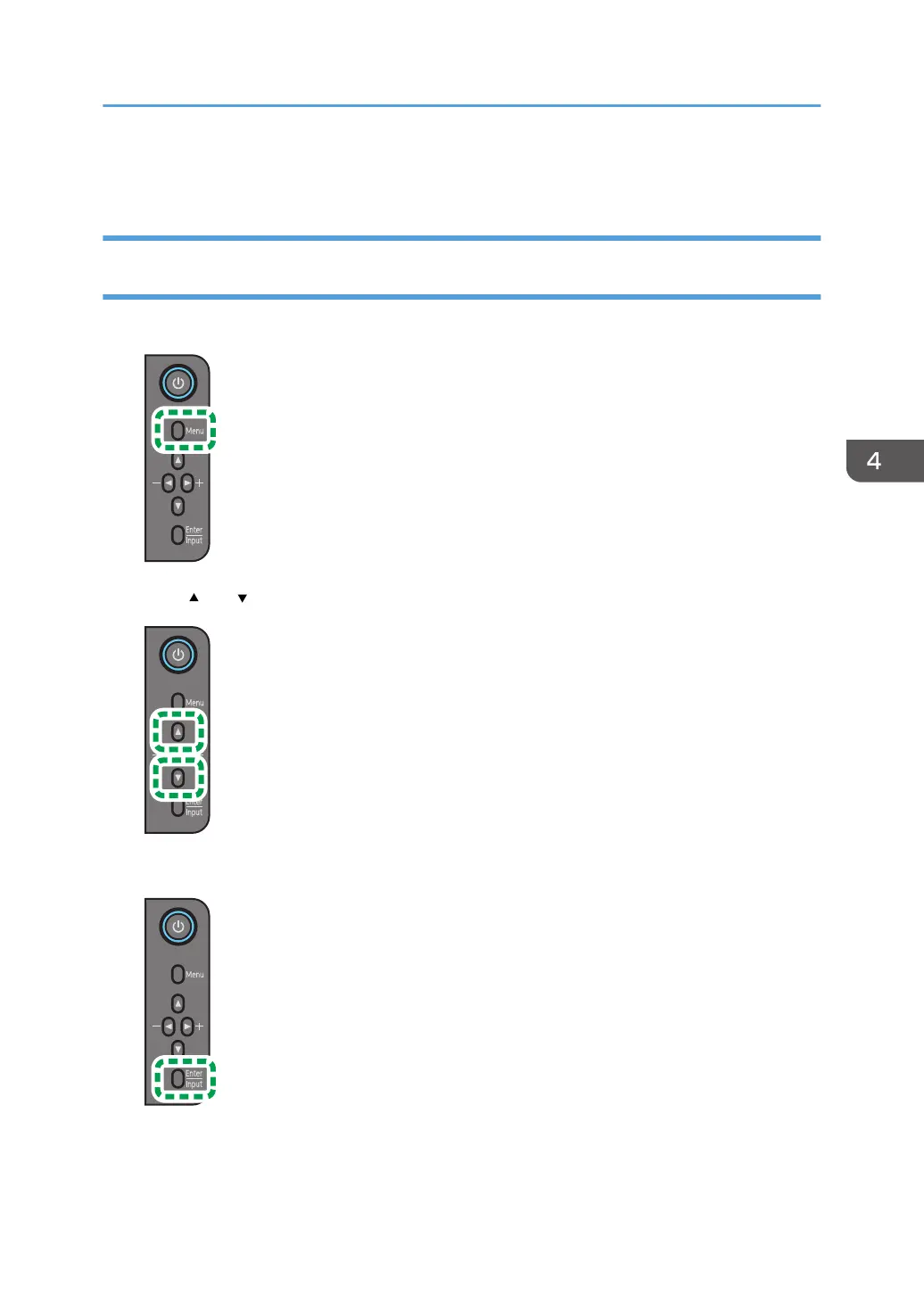
1. Press [Menu] to open the On-Screen Display menu.
Y310IA0487
2. Press [ ] or [ ] to select an item.
3. Press [Enter/Input] to confirm selections.
Y310IA0489
Operations in the On-Screen Display Menu
23

Other manuals for Ricoh D7510

Related product manuals