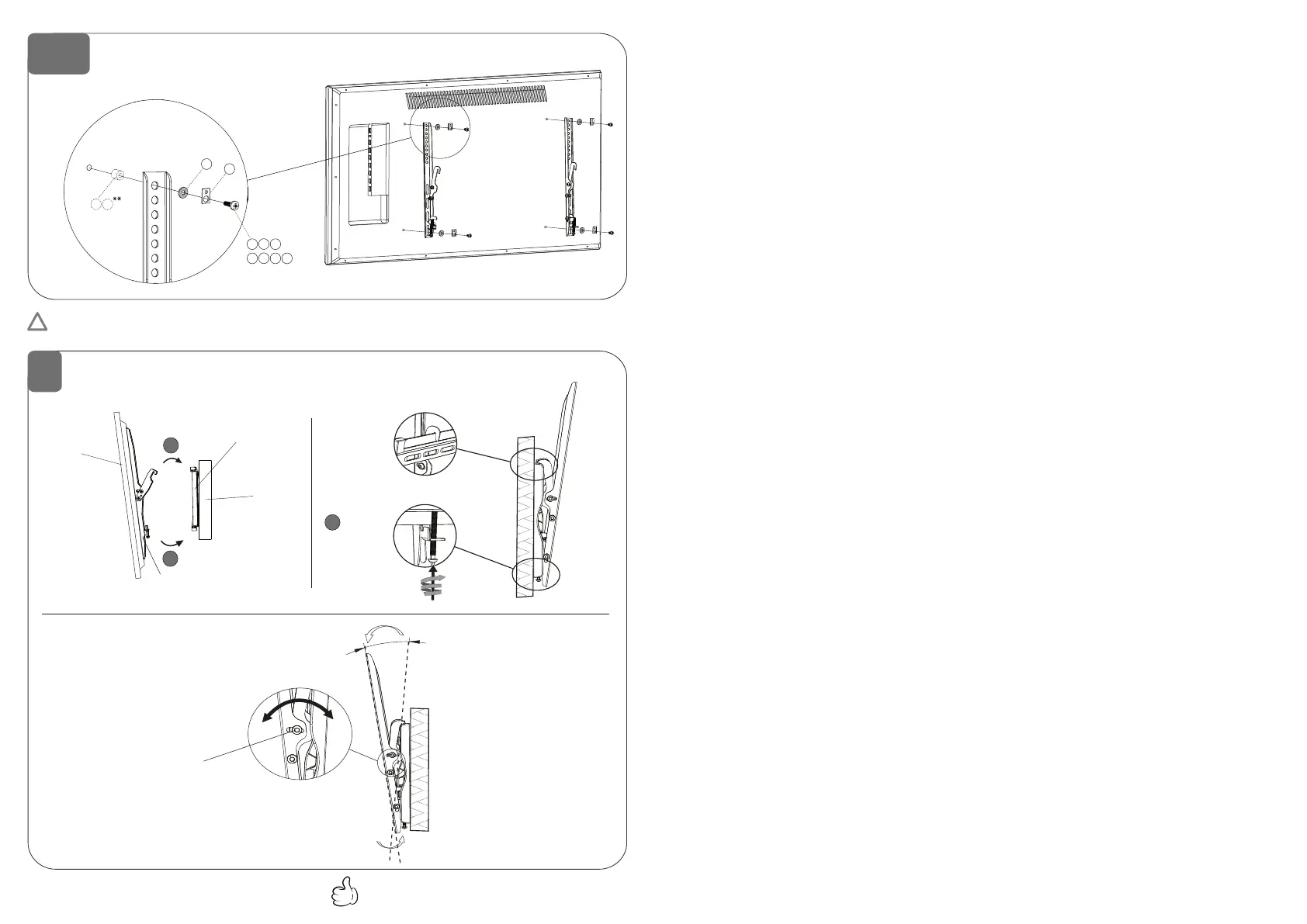
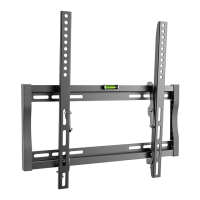
Wall plate
Wandplatte
Wall
Wand
Hanging display to wall plate
Aufhängung des Bildschirms an die Wandhalterung
Rail G4
Schiene G4
Locking
Fixierung
Tilt adjustment
Neigungsverstellung
12°
Tilt fixation
Neigungsfixierung
Display
Bildschirm
Done Fertig
4-b
For displays with a flat back
Für Bildschirme mit flacher Rückseite
Display back
Bildschirm Rückseite
* Use the matching screws and spacers for your display.
* Benutzen Sie die für Ihren Bildschirm passende Schrauben und Abstandshalter.
H
I
J
, ,
*/**
K L
M
N
, , ,
*
F
D
E
,
G
** Wenn die Schrauben "K, L, M, N" zu lang sind, verwenden Sie die Plastikzylinder / Abstandshalter "D" oder "E" (wie im Schritt 4 A).
Abstandshalter "D" und "E" können kombiniert werden.
** If the screws "K, L, M, N" are too long, use the plastic spacers "D" or "E" (like in Step 4 A). Spacers "D“ and "E" can be combined.
!
5
1
2
3


 To Previous Page