EasyManua.ls Logo

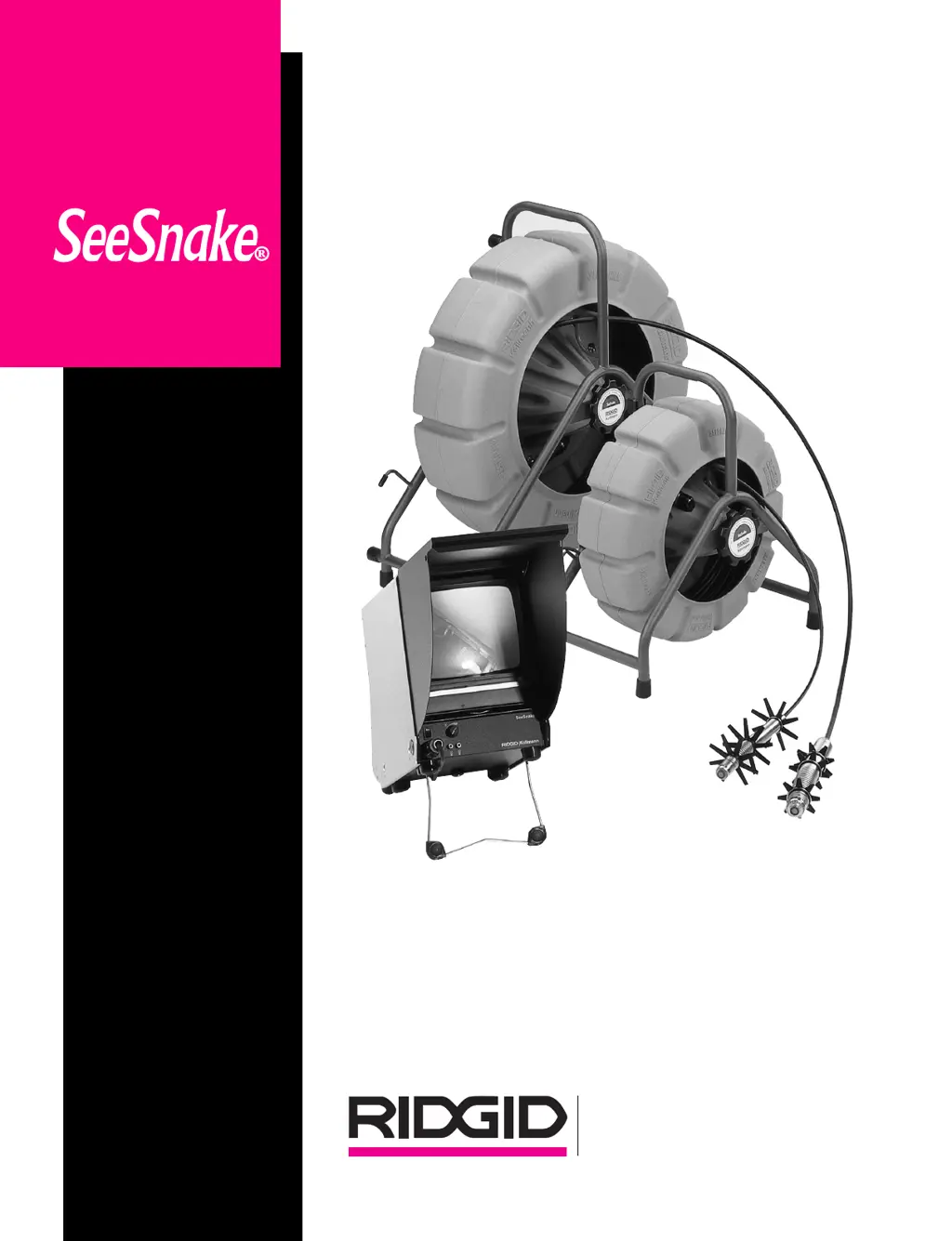
RIDGID SeeSnake Kollmann - User Manual

RIDGID SeeSnake Kollmann
36 pages
Print Icon
To Next Page IconTo Next Page
Loading...
Kollmann
®

Questions and Answers

  • A
    Alyssa DavisAug 12, 2025
    What to do if my RIDGID Diagnostic Equipment has no video and no lights?
    • P
      pennyrobinsonAug 13, 2025
      If your RIDGID Diagnostic Equipment shows no video and no lights, try the following: * Check the battery. * Ensure the power is switched on. * Verify the interconnect cable is fully plugged in and that there are no loose connections. * A fault in any sub-assembly may be the cause.
  • S
    Sean ConnerAug 16, 2025
    Why does my RIDGID Diagnostic Equipment have lights but no video?
    • B
      Brandon WilliamsAug 16, 2025
      If your RIDGID Diagnostic Equipment has lights but no video, consider these potential solutions: * Check if the monitor switch is OFF. * Verify that the brightness hasn't been turned down. * Ensure the contrast or brightness settings are properly adjusted. * There may be a break in the video carrying conductor between the monitor and camera. * There could be a fault within the camera or monitor/powerpack.
  • B
    Beth TorresAug 20, 2025
    What to do if the video on my RIDGID Diagnostic Equipment is garbled or jumbled?
    • V
      Victoria CohenAug 20, 2025
      If you are experiencing garbled or jumbled video with your RIDGID Diagnostic Equipment, it may be that the horizontal or vertical hold needs adjustment. Alternatively, there may be a fault within the camera, cables, or monitor/power supply.
  • A
    April MarksAug 23, 2025
    Why does my RIDGID Diagnostic Equipment have video but no lights?
    • M
      Michele ChenAug 23, 2025
      If your RIDGID Diagnostic Equipment displays video but no lights, the dimmer might be turned down. Another possibility is a fault within the camera head, specifically the LED section.
  • K
    Kyle RaymondAug 27, 2025
    How to fix a white screen on RIDGID Diagnostic Equipment?
    • M
      Michelle BarnesAug 27, 2025
      If your RIDGID Diagnostic Equipment shows a white screen, the camera may be exposed to excessive light. Also, check if the contrast or brightness is improperly set.
  • L
    Laura GarzaAug 31, 2025
    What causes a noisy picture during VCR playback on RIDGID Diagnostic Equipment?
    • B
      Bianca MillsAug 31, 2025
      If you notice a noisy picture during VCR playback with your RIDGID Diagnostic Equipment, the video head may need cleaning, or the tracking may not be properly set.
  • M
    Madison MossSep 3, 2025
    What to do if my RIDGID Diagnostic Equipment shows a noisy picture with vertical stripes?
    • J
      Jennifer HernandezSep 3, 2025
      If you observe a noisy picture with vertical stripes on the monitor screen of your RIDGID Diagnostic Equipment, the camera head may be overheated.
  • M
    Maria LyonsSep 8, 2025
    Why are there horizontal stripes on the monitor screen of my RIDGID Diagnostic Equipment?
    • J
      Jamie LynchSep 8, 2025
      The horizontal stripes on the monitor screen of your RIDGID Diagnostic Equipment may indicate that the Mini SeeSnake transmitter is activated.

Summary

1. GENERAL

1.1 Specifications

Details physical characteristics, capacity, and standard equipment for the SeeSnake system.

1.2 Transport and handling

Instructions to avoid shocks or violent movements when transporting the equipment.

1.3 Safety

Crucial safety measures including grounding, handling precautions, and hazardous environments.

1.4 Set up and operation

Step-by-step guide for installing accessories, connecting, and operating the SeeSnake system.

1.5 Mounting;Changing Guides

Procedure for attaching and securing camera guides onto the spring.

1.6 Maintenance

Guidelines for cleaning and maintaining the cable, drum, and monitor for longevity.

1.7 Removing the camera head and installing the transmitter

Detailed instructions for safely detaching and reattaching camera heads and transmitters.

2. BLACK AND WHITE SEESNAKE

2.1 Capacity

Specifies pipe diameter range and maximum cable lengths for regular and mini SeeSnake models.

2.2 Monitor

Overview of the monitor system components, controls, and features, including sunshade and flip switch.

2.3 Toolbox monitor

Details the components and controls of the toolbox monitor, including its connections and viewing hood.

2.4 Video System Manager and Monitor + VCR

Lists VSM and Monitor+VCR system components, setup, and operation of recording features.

2.5 CountIR

Explains the CountIR system for measuring pipe distance and how to use its keypad and edit modes.

RIDGID SeeSnake Kollmann Specifications

General IconGeneral
BrandRIDGID
ModelSeeSnake Kollmann
CategoryDiagnostic Equipment
LanguageEnglish