EasyManua.ls Logo

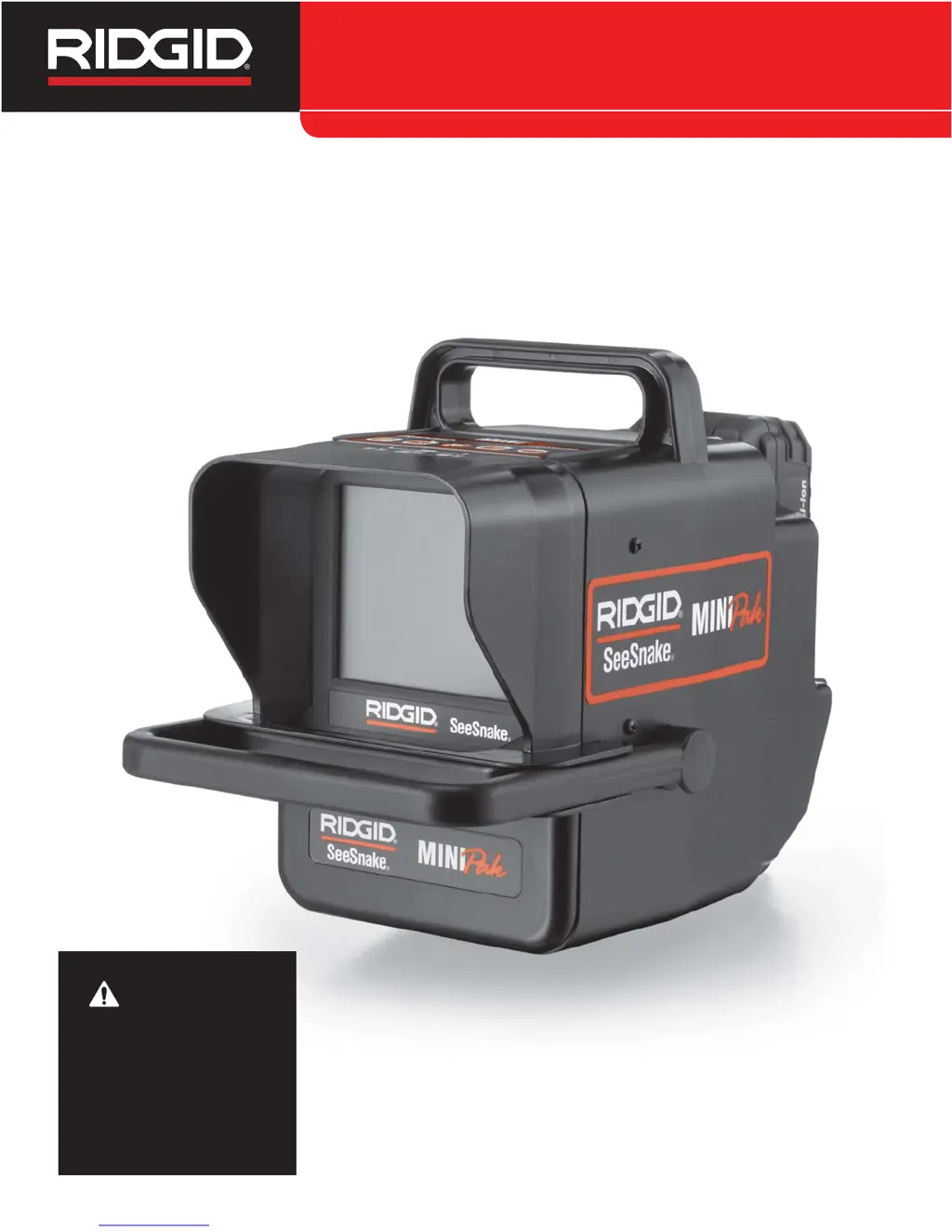
RIDGID SeeSnake MINIPak - User Manual

RIDGID SeeSnake MINIPak
43 pages
Print Icon
To Next Page IconTo Next Page
Loading...
SeeSnake
®
MINI
Pak
Français – 17
Castellano – pág. 27
SeeSnake
®
MINIPak Manual
WARNING!
Read this Operator’s Manual
carefully before using this
tool. Failure to understand
and follow the contents of
this manual may result in
electrical shock, fire and/or
serious personal injury.

Table of Contents

Questions and Answers

  • A
    Allen MartinezAug 1, 2025
    What to do if my RIDGID SeeSnake MINIPak Medical Equipment MINIPak screen is blue and the battery is low?
    • M
      Marc CarlsonAug 1, 2025
      If the MINIPak screen shows a steady blue image and the screen display indicates that the MINIPak battery is low, you should first recharge the batteries. You can also use the power supply while the batteries are charging. If the MINIPak 18 V batteries are low, recharge or replace them.
  • J
    Joshua WilliamsAug 6, 2025
    How to fix the issue when the camera video image is not seen on my RIDGID SeeSnake MINIPak Medical Equipment?
    • P
      powelljasonAug 7, 2025
      If you don't see the camera video image on your RIDGID Medical Equipment, it might be due to a few reasons. First, check that the power is correctly plugged in. Next, inspect the alignment and pins of the connection to the MINIPak unit from the SeeSnake. It's also possible there's no video signal, so try re-seating the SeeSnake system cable connection.
  • G
    Gregory Gonzales MDAug 13, 2025
    Why is the count accuracy unreliable on my RIDGID SeeSnake MINIPak CountPlus?
    • Z
      zimmermankarenAug 13, 2025
      If the count accuracy seems unreliable on your RIDGID Medical Equipment (CountPlus), there might be a few reasons: * The settings might be incorrect for the reel or cable being used. Verify the CountPlus settings are correct for the SeeSnake cable length, cable diameter and reel type you are using. * You might be counting from a zero point other than the one intended. Confirm you are measuring from the intended zero-point. * The physical cable measurement might have exceeded the cable parameter in settings. Verify the actual length of your installed cable; re-set the reel and cable settings for the correct reel type and actual cable size as described in the CountPlus manual. * The CountPlus Battery might be dead or near-dead. Replace the 3-volt battery in the CountPlus (CR2450).
  • P
    Patricia HamiltonAug 25, 2025
    What to do if a low battery warning appears on my RIDGID SeeSnake MINIPak Medical Equipment CountPlus screen?
    • S
      sara00Aug 25, 2025
      If a low battery warning appears on the screen of your RIDGID Medical Equipment (CountPlus), replace the 3-volt battery in the CountPlus (CR2450).
  • E
    Eugene MurphyNov 17, 2025
    What to do if the “+” symbol appears after the on-screen distance measurement on my RIDGID SeeSnake MINIPak CountPlus?
    • A
      Adam WallNov 17, 2025
      If the symbol “+” appears after the on-screen distance measurement on your RIDGID Medical Equipment (CountPlus), it could be due to several reasons: * The settings might be incorrect for the reel or cable being used. Verify the CountPlus settings are correct for the SeeSnake cable length, cable diameter and reel type you are using. * You might be counting from a zero point other than the one intended. Confirm you are measuring from the intended zero-point. * The physical cable measurement might have exceeded the cable parameter in settings. Verify the actual length of your installed cable; re-set the reel and cable settings for the correct reel type and actual cable size as described in the CountPlus manual. * The CountPlus Battery might be dead or near-dead. Replace the 3-volt ba...

Summary

Safety Symbols and Rules

General Safety Rules

Provides essential guidelines for safe operation, covering work area, electrical, and personal safety.

Equipment Use and Care

Specific Safety Information

Crucial safety precautions specific to the MINIPak to reduce injury risks.

Setup and Operation Preparation

Pre-Operation Inspection

Outlines essential checks before using the MINIPak to ensure safety and proper function.

Work Area and Equipment Set Up

Provides guidelines for preparing the workspace and equipment for safe operation.

Connecting and Powering the MINIPak

Outlet Power

Instructions for powering the MINIPak using the supplied AC/DC power converter.

Operating Instructions

Advanced Features and Settings

Locating The Camera Using The Sonde

Guide on using the Sonde feature with a locator to find the camera's underground position.

Line Tracing The SeeSnake Pushrod

Instructions on using a transmitter and locator to trace the pushrod's path.

Troubleshooting and Warranty

Troubleshooting

Identifies common problems and provides solutions for the MINIPak.

RIDGID SeeSnake MINIPak Specifications

General IconGeneral
BrandRIDGID
ModelSeeSnake MINIPak
CategoryMedical Equipment
LanguageEnglish