After a message text is disabled or acknowledged, the
function automatically shows the previously active
message text with the next highest priority.
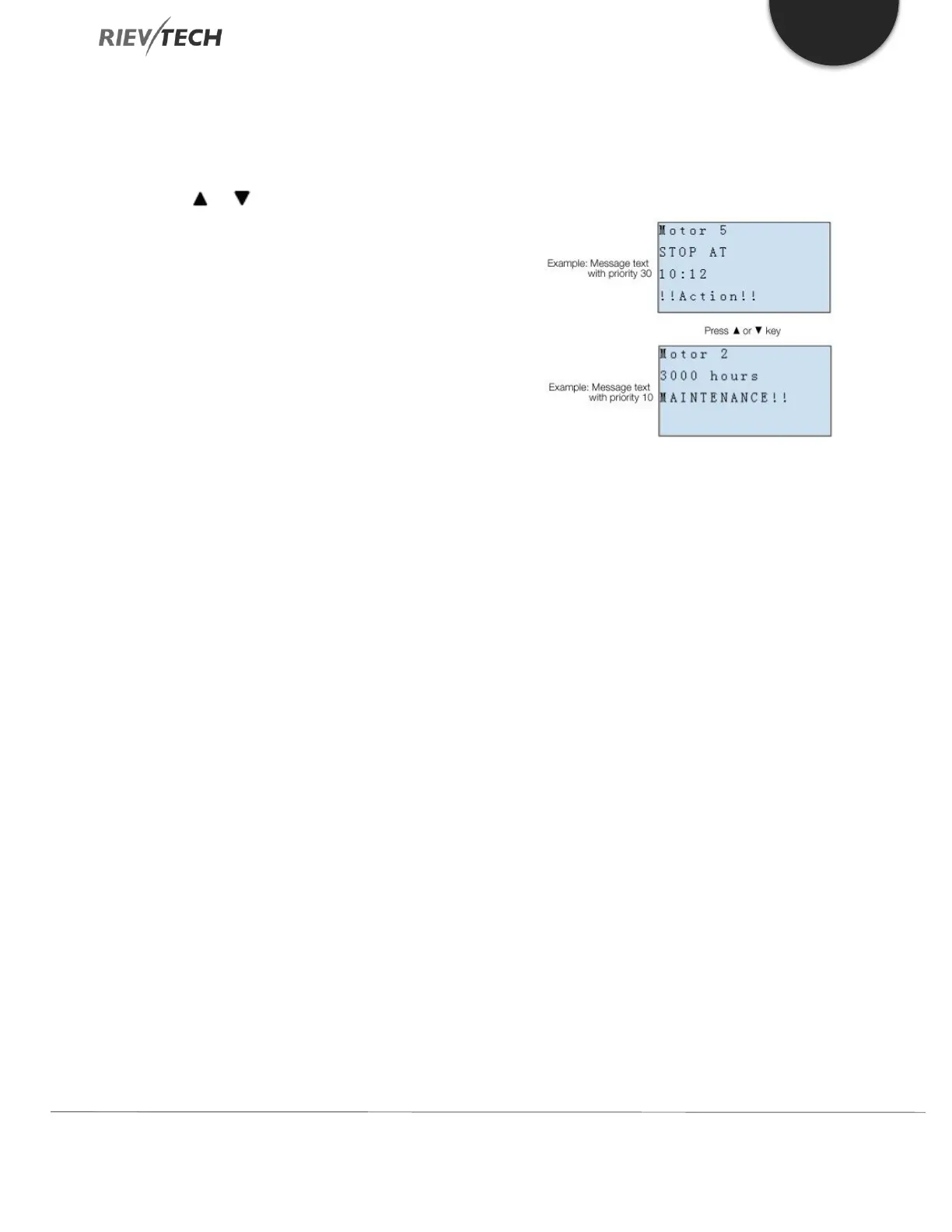
You can press the and keys to step through multiple
active message texts.
Example
This is how two message texts could be shown:
Display field of xLogic in RUN mode
Input P configuration
From the input P, you configure the following
characteristics of the message text:
● Priority
● Acknowledgement
● Message destination
Restrictions
Up to 128 message text functions are available for PR-12,
PR-18/ELC-22/PR-24 and PR-26 CPUs.
Particular characteristics to be noted when configuring



 To Next Page