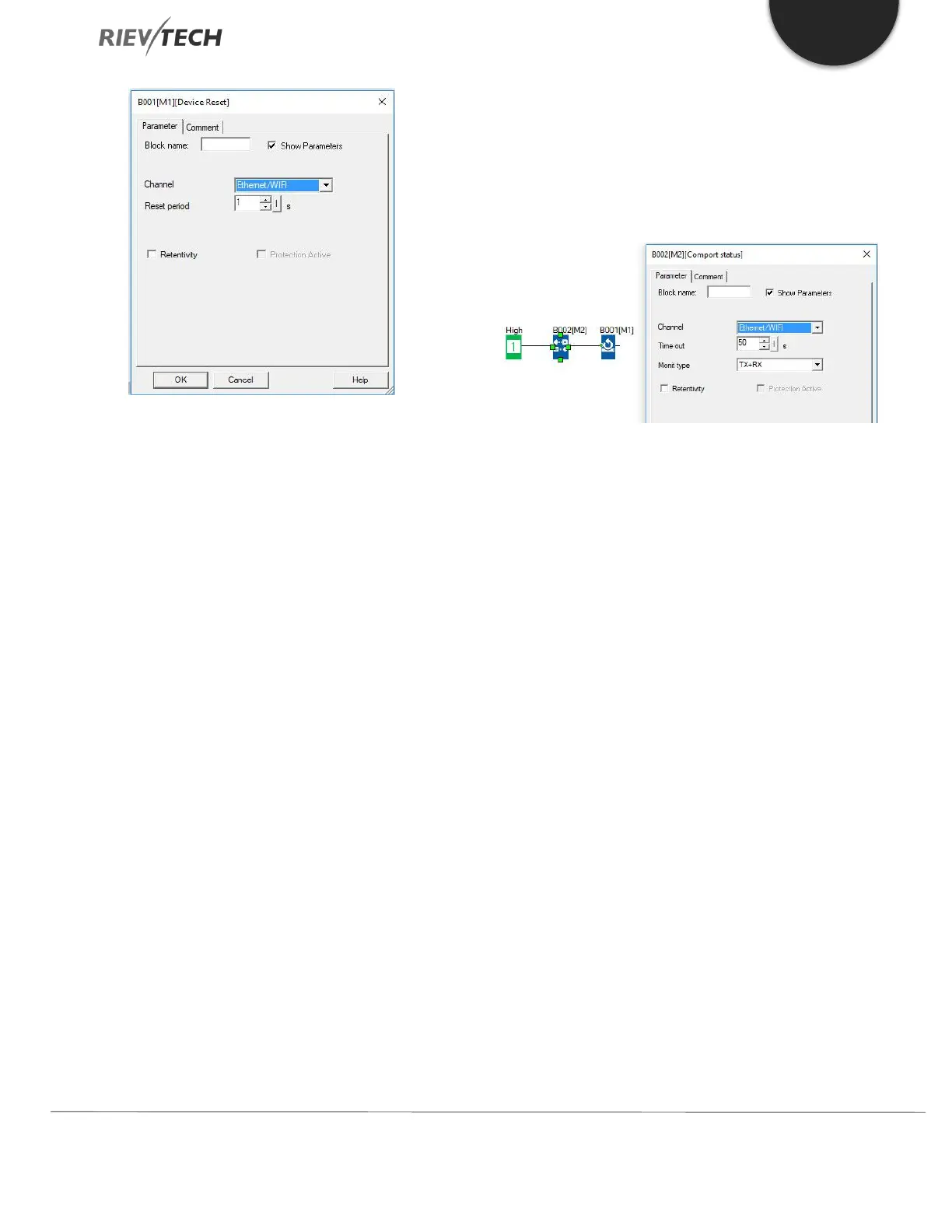
Description of the function
In order to monitor the communication status of the
Ethernet to see if it is normal or continuous (or avoid the
Ethernet module is dead by unknown cause), sometimes
we need reset the Ethernet module built-in in the CPU
when the communication has failed or been a timeout.
Just one parameter to be set is the "Reset period" as
follows:
Here are two examples with detailed description on how
to use these blocks in the program.
Example 1
Just as program below shows, after the CPU is running, we
can push down the digital input1(just need a short trigger
to reset the Ethernet modem), after the Reset period (here
is 5s) is reached, the Ethernet modem will start up and this
block will output a short trigger at the same time.
Example2
We also can use such “device reset” block along with the
“Com status” function block together in the program,
when there is no data transmission through the Ethernet
port while the timeout period(the 50s) is reached, the com
port status will output HI signal, and then the Device reset
block would be enabled and the Ethernet module will be
reset for the Reset period in the device reset block
property dialogue box.



 To Next Page