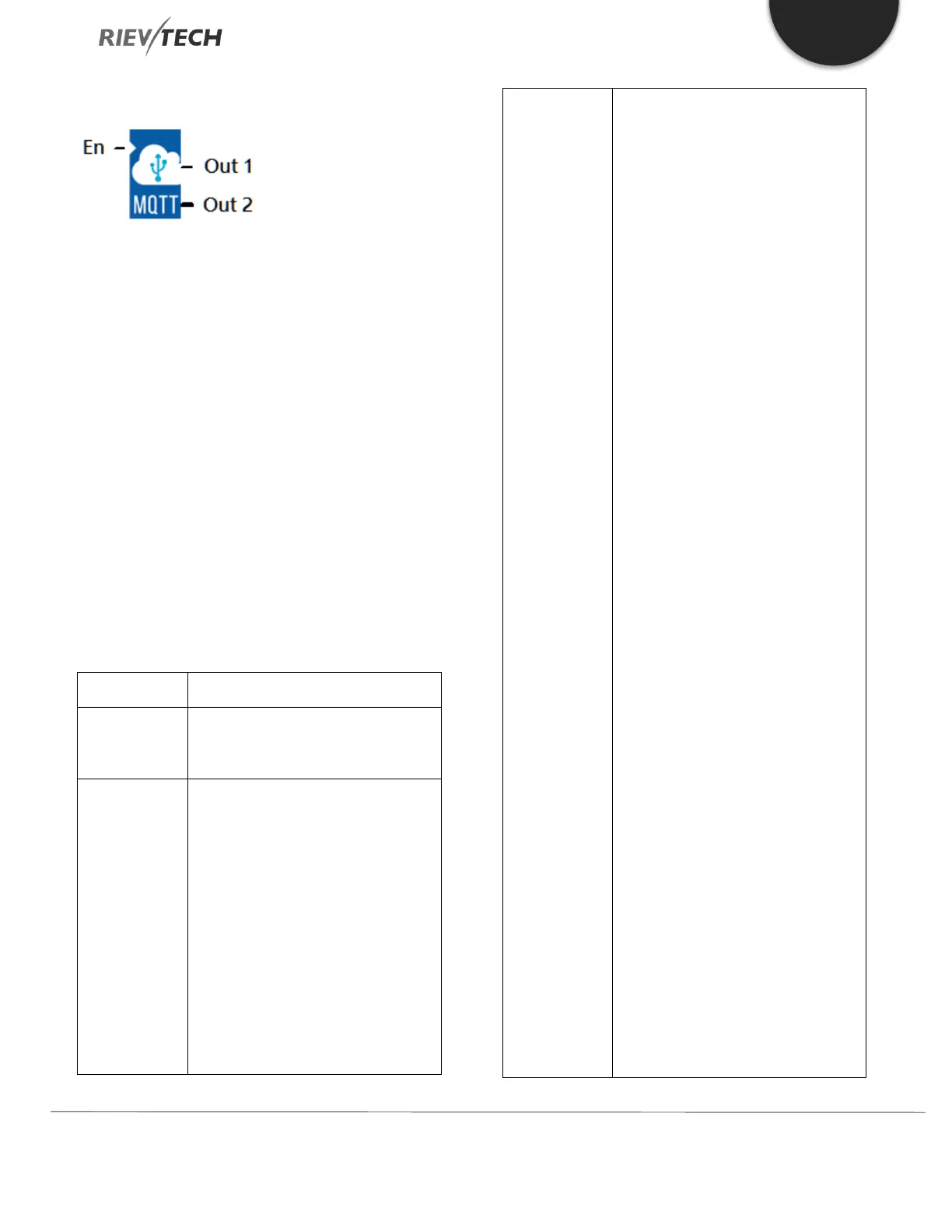
Connect to MQTT Server
Description of Function
This function block is used to configure and connect to
the MQTT server.
The IP and port information of the MQTT server is no
longer obtained from ‘Web Server Config’. Instead, get
from this block, which triggers this block to connect to the
server.
Publish and subscribe function blocks also do not
configure the parameters of the MQTT server, they are
simplified to have only publish and subscribe features.
Only one Connect to MQTT Server block can be placed
in the program.
IP Address:
The IP address of the MQTT server.
Port:
The port of the MQTT server.
Connection timeout:
Timeout setting for cloud connection
in seconds.
PING interval time:
Ping timer setting in seconds. If there
is no message to publish before the
timer expires, the PLC will send a ping
command to the cloud server to
check connection status.
Enable SSL/TLS:
After checking, select to use SSL
encryption mode.
CA Certificate File 1:
When using encryption mode, select
the SSL certificate by path.
CA Certificate File 2:
Temporarily not supported.
CA Certificate File 3:
Temporarily not supported.
Client ID:
Click the ‘Create only one ID’ button
to generate a unique string of
numbers.
Name / Password:
Before you can publish / subscribe a
message, you need to configure your
cloud server account and ‘Topics’.
Each cloud server may have different
configuration procedures. Check the
cloud server instructions on how to
do this.
Hide:
Hide the password. You can set a
secret password when hiding, and


 To Next Page
 Loading...


