String Comparator
Description of Function
This function is used for finding a character or characters
in a message received via MQTT Subscribe. Once you have
placed this block in your program, double-click on it to
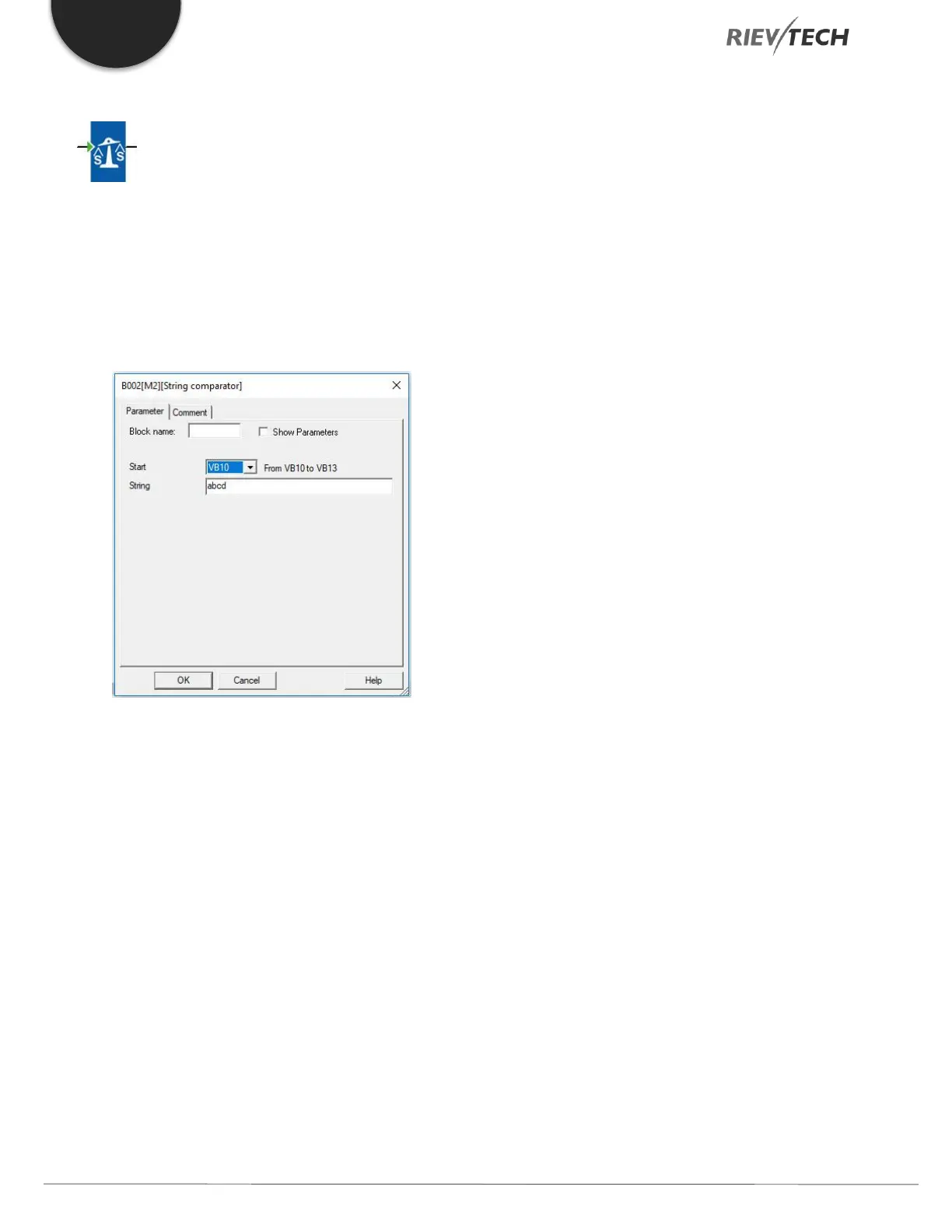
enter its parameters.
Figure 61 - String Comparator Settings
Start – Select the VB block number in which you
wish to start your comparison.
String – Enter the string you wish to search for.
This is case sensitive.
During program execution, if the String Compare block
finds the string then its output is set High. It will remain
High until the next search. If a match is not found, then
the block will remain set to Low.



 To Next Page