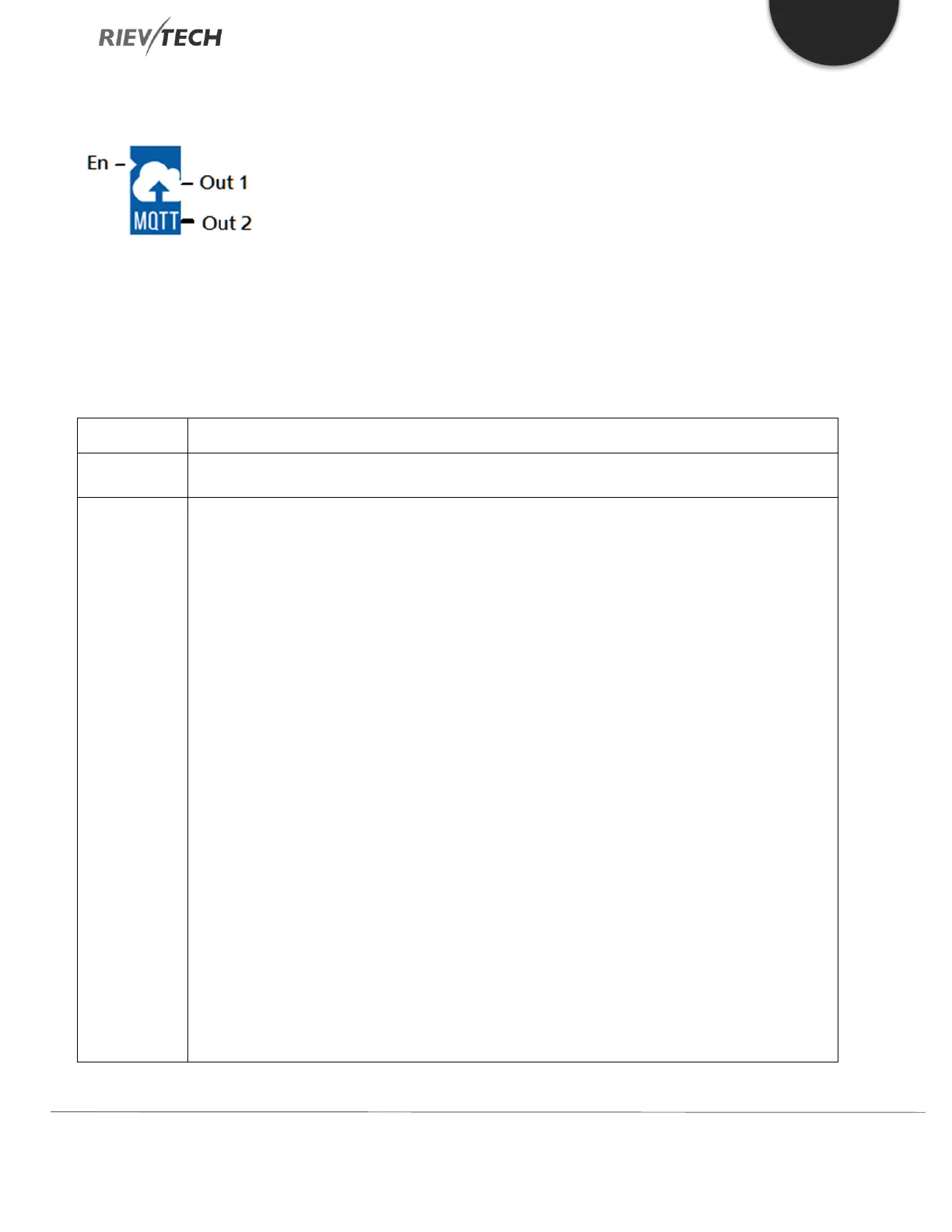
Retained:
Typically, if a publisher publishes a message to a topic, when no one subscribes to the topic, then
the message will be discarded (not retained) by the MQTT server.
However, the publisher can tell the MQTT server to keep the last message of the topic by setting a
reserved message flag. When a device subscribed to this topic goes online, the MQTT server sends
the retained information to the subscriber.
You can check this option to implement this ‘information retention’ feature. A powered-down device
can receive the last message of its subscribed topic after powering on.
QoS Level:
QoS 0(no answer) or QoS 1(answer). If you wish to receive a response from the MQTT server, select
‘QoS 1’.
Publish interval time:
Publish timer setting. If enabled, the xLogic will publish the message to the MQTT server every x
seconds. If disabled, the message will only be sent once.
Publish topic:
Set when creating a new topic project on the MQTT server.



 To Next Page