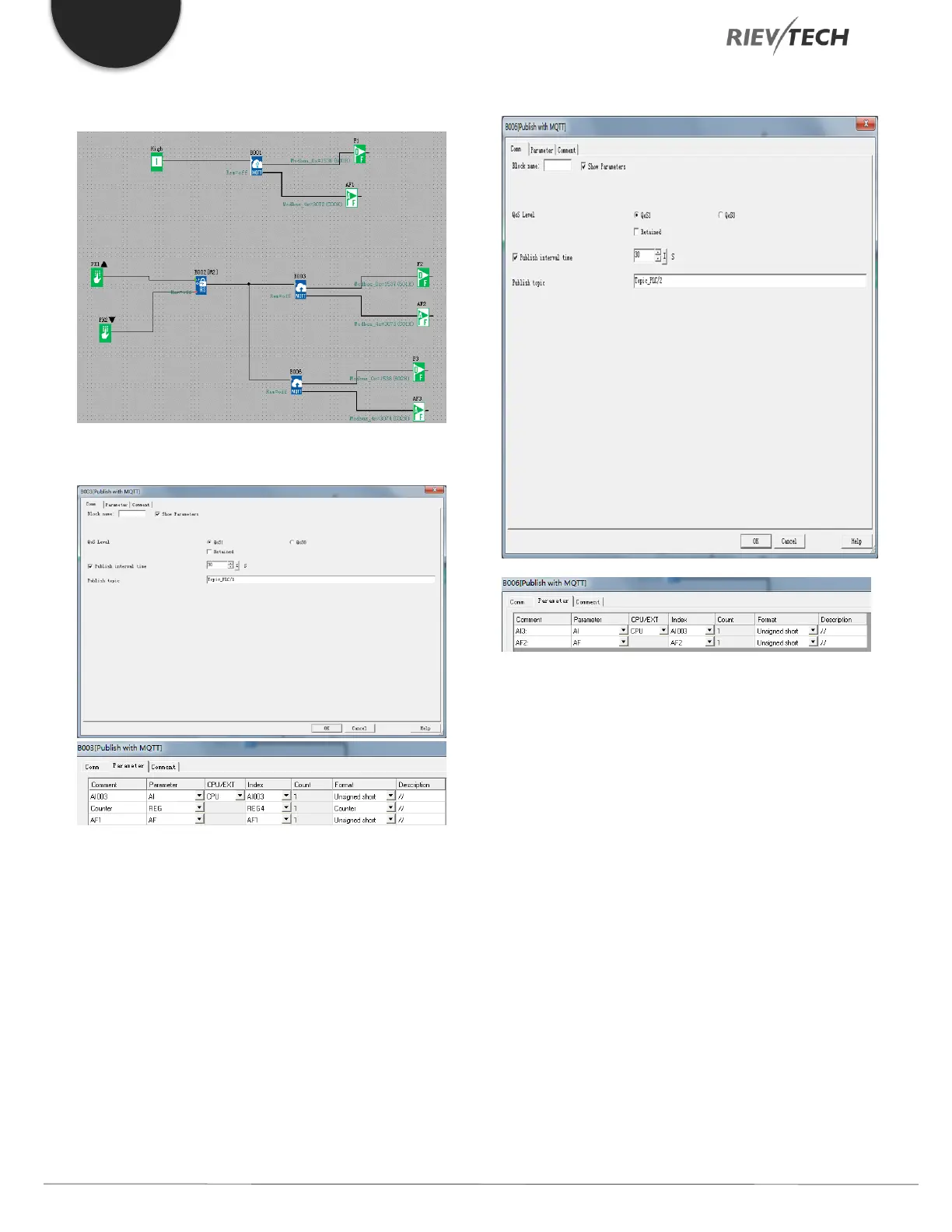
Example
First Publish Block
Second Publish Block
Figure 62 - MQTT Publish Settings
Publish Topic: Before you can publish a message, you
need to configure your MQTT cloud server account and
include setting up of ‘Topics’ usually under the Themes
area on your account. Each MQTT cloud server may have
different configuration procedures for their Topics. Check
the MQTT cloud server instructions on how to do this.
There are generally five steps:
1. Create an account on a cloud server.
2. Add a device to your account.
3. Set-up an identity for your account.
4. Create a policy for your account.
5. Create a topic for your account.
Once you have configured the Topic name on the MQTT
cloud server you are using, enter it here.



 To Next Page