Programmable Relay ● User Manual for ELC, EXM and PR Series 241 2020 v6.0 ● © Rievtech Co.,
Ltd. ● www.rievtech.com
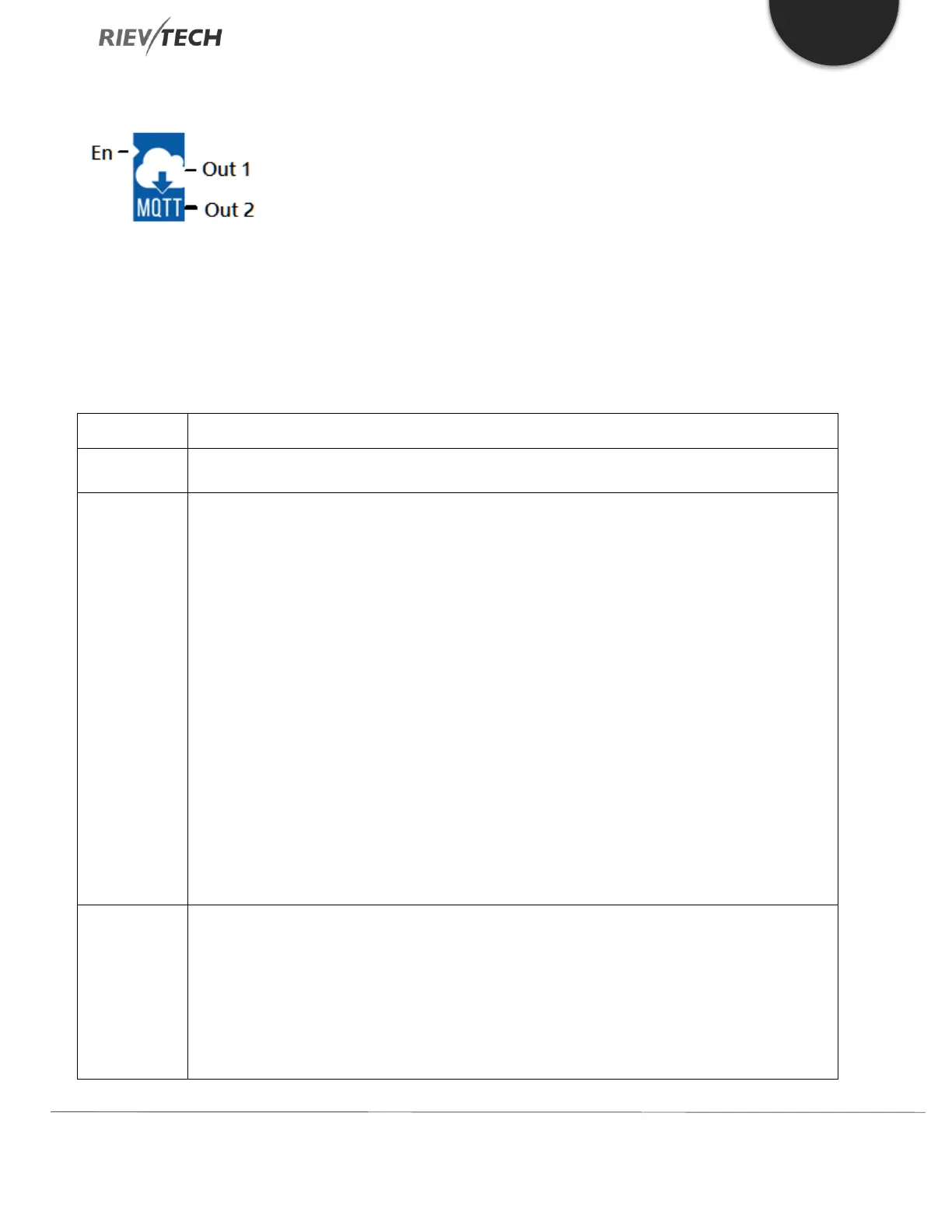
Subscribe with MQTT
Description of Function
You can use this function to allow the xLogic to subscribe to a message on the MQTT cloud server. Only 8 Subscribe blocks
can be placed in one program.
Once you have added it to your program, double-click the block to configure it.
You enable/disable the block with the signal at input En (1/0).
QoS Level:
QoS 0(no answer) or QoS 1(answer). If you wish to receive a response from the cloud server, select
‘QoS 1’.
Subscribe interval time:
Subscribe timer setting. If enabled, the xLogic will Subscribe to the message from the cloud server
every x seconds. If disabled, the message will only be subscribed to once.
Subscribe topic:
Fill in the topics you want to subscribe to.
However, it should be noted that the topic of the multiple subscribe blocks cannot be the same.
Parameter:
Set the start register to store the received information data.
Digital output.
Indicates whether the information was successfully subscribed.
0: Not triggered or did not receive the topic it subscribed to
1: Received a subscription topic



 To Next Page