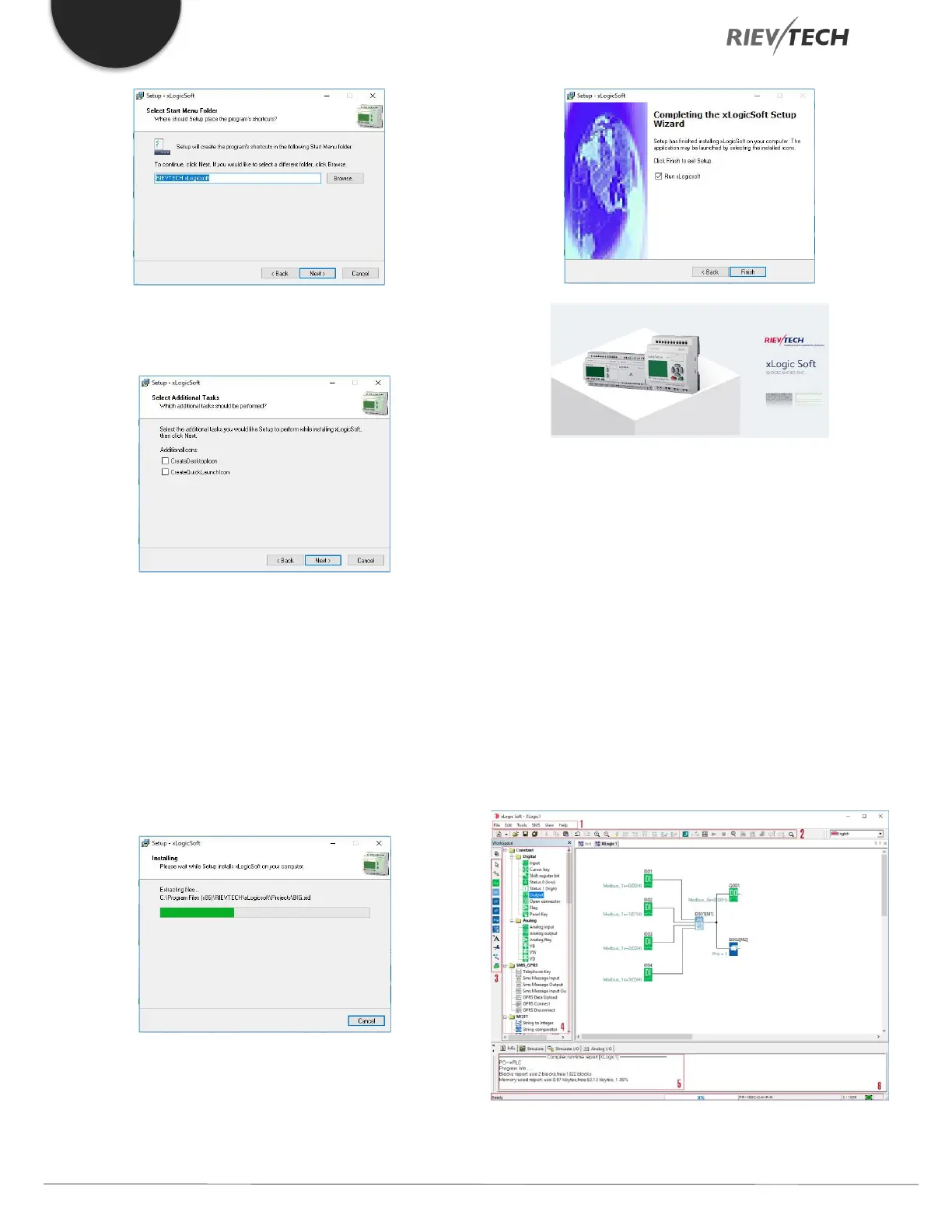
6. In this example, the program icon is to be placed on
the desktop. Use Next to proceed.
7. Click Install button to install. The program is being
installed. . . . .
8. The installation is finished. You can start the xLogicsoft
immediately or later by double-clicking the icon on the
desktop.
You now see the complete user interface of xLogicsoft.
The programming interface for creating your circuit
programs occupies the greater part of the screen. The
icons and logical links of the circuit program are arranged
on this programming interface.
To help you to maintain an overview of large circuit
programs, the right side and the bottom of the
programming interface contains scrollbars, which you can
use for vertical and horizontal scrolling of the circuit
program.
1. Menu bar



 To Next Page