Main Functions
Editing Function
The main function of xLogicsoft is creating programs for
xLogic. By using the Logical Function Edition window of
xLogicsoft, you can create and edit your desired xLogic
programs using various function blocks of xLogic and can
also perform file operations such as save, print, program
management etc.
Simulation Function
After the program is edited, you can view the program
operation result on the computer and conveniently check
if the said program meets your control requirements.
Here xLogicsoft provides you with a completely new off-
line test function, through which you can debug the
program without installing the xLogic on site. With this
function, many inconveniences of the site test can be
avoided.
Real-time Monitoring
xLogicsoft has a Real-Time Monitoring window. You can
view the process of the control system and the running
conditions of all xLogic and control remote xLogic; by
connecting the xLogic communication port (RS232, USB,
Ethernet optional) to the computer you can view the
process of the control system.
Documentation
The program circuit can be saved and printed. The
analogue values also can be saved in an Excel file.
Operation Instructions
Menu Bar
When xLogicsoft is used to edit xLogic programs under
customized mode, some basic operations including files
management, opening and closing of the Tool Bar and
Status Bar access to Help information are completed by
using pull-down menu under File, Edit, Tools, SMS, View,
and Help. The Instruction Function list of xLogicsoft is
characterized by its flexibility and variation according to
the main selection.
It can be changed according to the current operation for
the convenience of your specific operations.
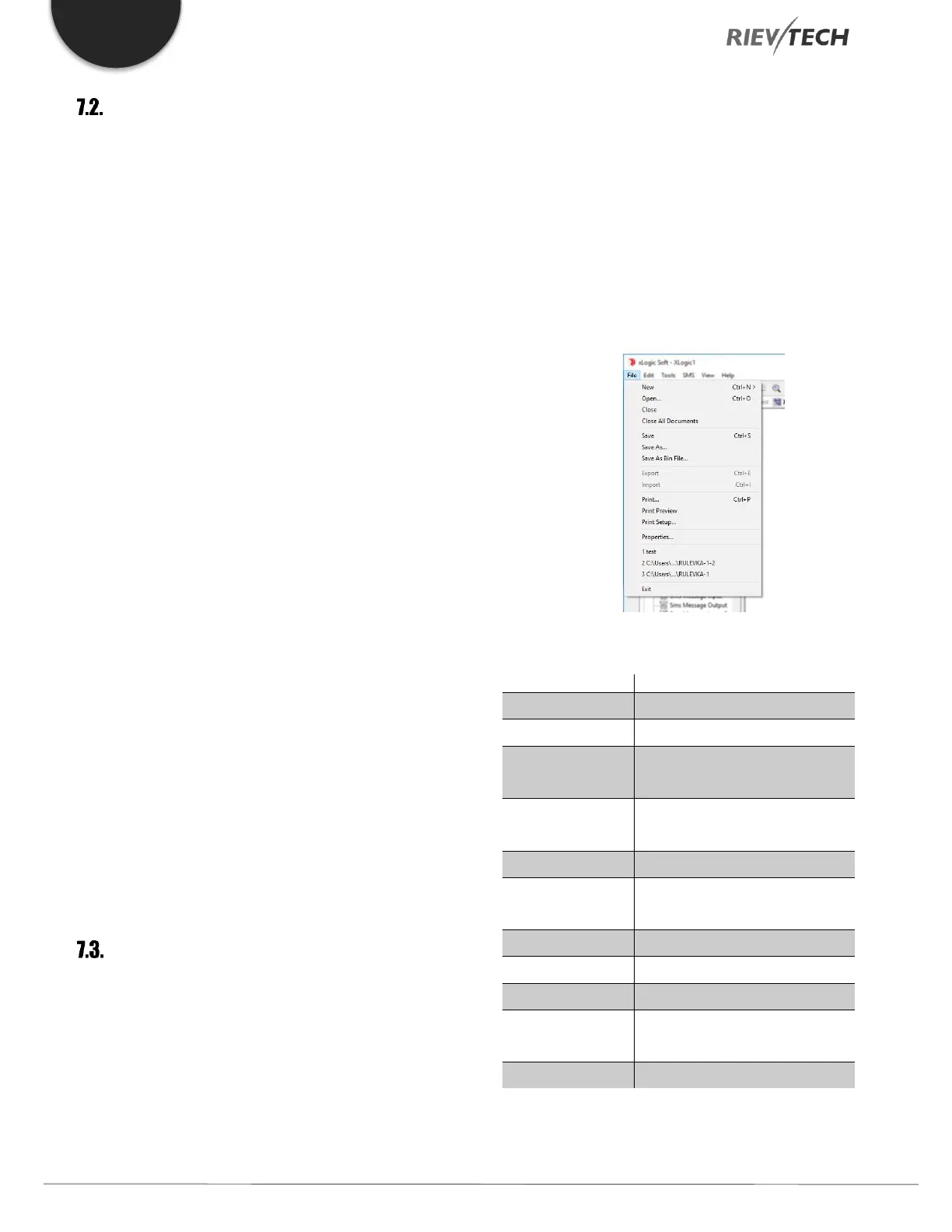
File
The instruction is mainly used for file management,
including creation, opening, saving and printing of files.


 To Next Page
 Loading...


