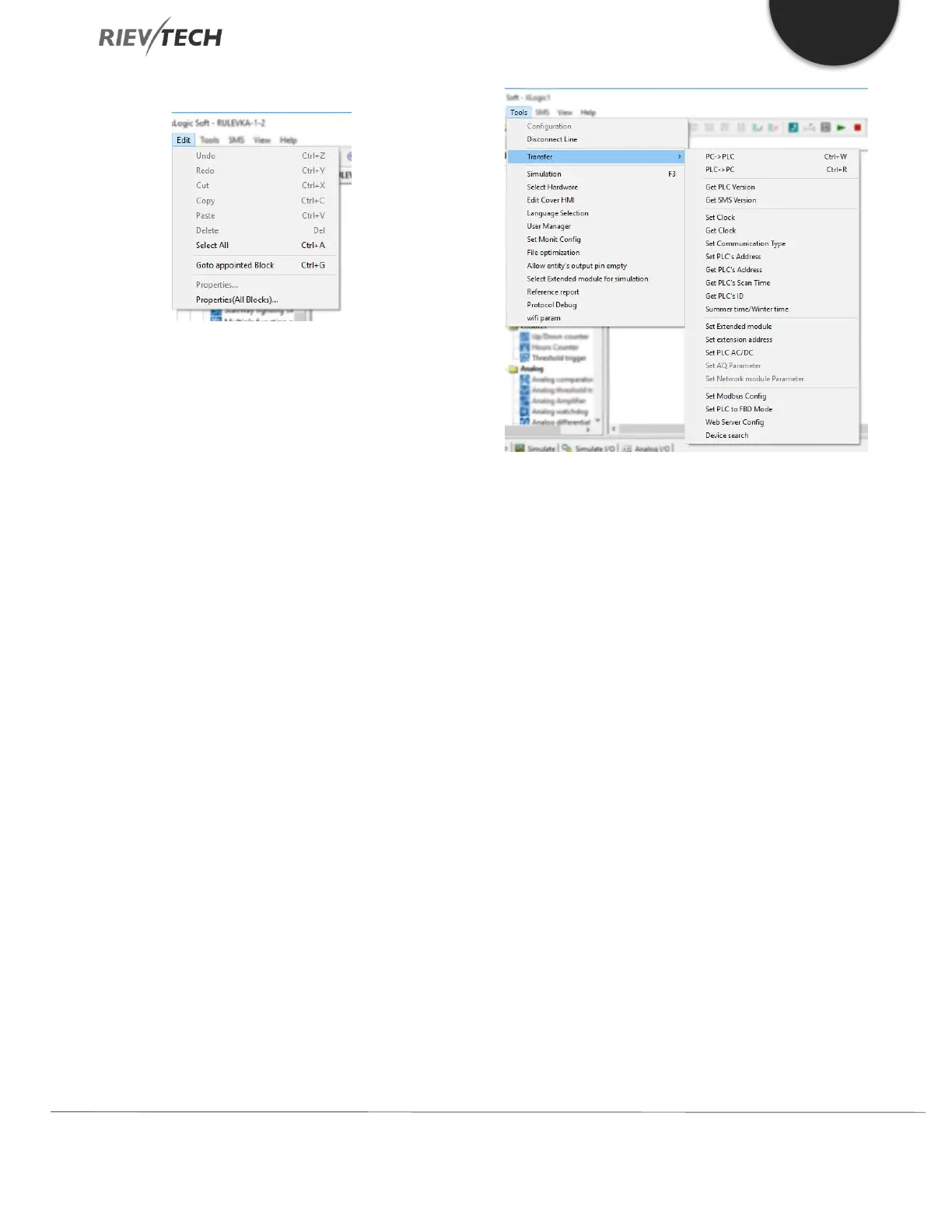
Edit Menu
Undo: Undo the previous step/s of operation.
Redo: Recover the contents undone by the previous
step/s of operation.
Cut: Cut the contents in the area highlighted with the
cursor.
Copy: Copy the contents highlighted with the cursor.
Paste: Paste the contents cut or copied.
Delete: Delete various graphic components.
Select All: Select all the contents in the current window
editing box.
Go to Appointed block: Go to the appointed block in
the program.
Property: Open the property box of the selected block.
Properties (all blocks): Open all the property boxes of
the selected blocks.
Phonebook: Add/Delete phone numbers in the
phonebook. See chapter 6.5.2.
Tools Menu
This instruction is mainly used for reading a program
from xLogic, writing program to xLogic, diagnosis of the
communication to the xLogic, program management and
simulation, etc. The pull-down menu of Tools is shown as
follows:
Configuration: Select and open the Com port.
Disconnect Line: Cancel the connection between PC
and xLogic.
Transfer: Transfer data between PC and xLogic.
o PC-> PLC: Download the program to xLogic.
o PLC->PC: Upload the program from xLogic.
o Password set: Set Password protection to xLogic.
o Get PLC Version: Get the current xLogic hardware
version.
o Set Clock: Set RTC for xLogic.
o Get Clock: Get RTC from xLogic.
o Get Communication Type: Get current
communication type from xLogic.
o Set Communication Type: Set communication
type for xLogic.
o Set PLC’s address: Set the xLogic address.
o Get PLC’s address: Get the address of xLogic.
o Get PLC’s scan time: Get the scan period of the
xLogic for the current program.


 To Next Page
 Loading...


