The CPU only can only get a momentary trigger from the
virtual keys, it cannot get a continuous signal, that means
if you press the OK key for 3 seconds, the CPU does not
know how long it was pressed for, it only knows that is
was pressed.
So, if you want to realize the pressing of the OK key for 3
seconds to change the parameters in a text message block
on the hardware, you need press the “set” key on the
virtual panel instead.
Press “Set” = Press OK key for 3 seconds then the
parameters in the text message block can be modified in
the usual way using the cursor keys.
How to Establish the Communication between new
Ethernet CPUs
We can make an Ethernet connection based on a TCP or
UDP connection. This is achieved using the following
method.
Configure and Create a Connection (TCP or UDP)
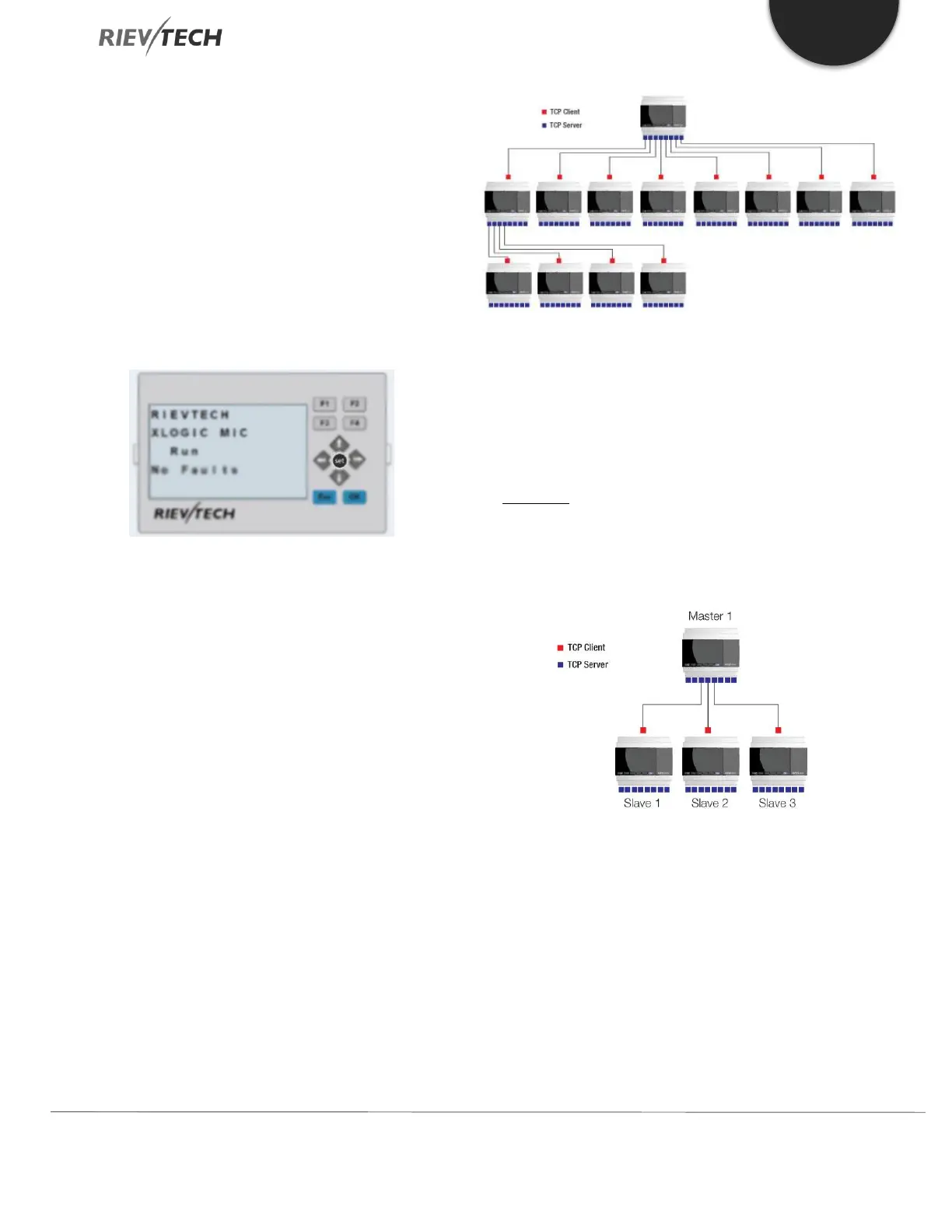
Each CPU has 8 TCP connections, and can work both as a
TCP Server and a TCP Client, so a lot of CPUs can be
connected in a network.
Programming and Data Transmission
We need to use the “Modbus Read and Write” function
block in the Master CPU. The TCP server or the TCP client
CPU can work as master and/or slave depending on what
you need to achieve.
Example 1: One Master CPU (TCP Server) connected to
Three Slave CPUs (TCP Clients)
The connection sketch:
Requirement:
1.If I1 of the Master CPU is ON/OFF, then the output Q1
of Slaves 1 to 3 are ON/OFF.
2.Read the analogue input, AI2 value from the slave1
through slave3 and store in variables AF1 to AF3 of the
Master CPU and display.


 To Next Page
 Loading...


