Change a Phonebook Phone Number by SMS
Use the following command to change a phone number of an existing user in the phone book.
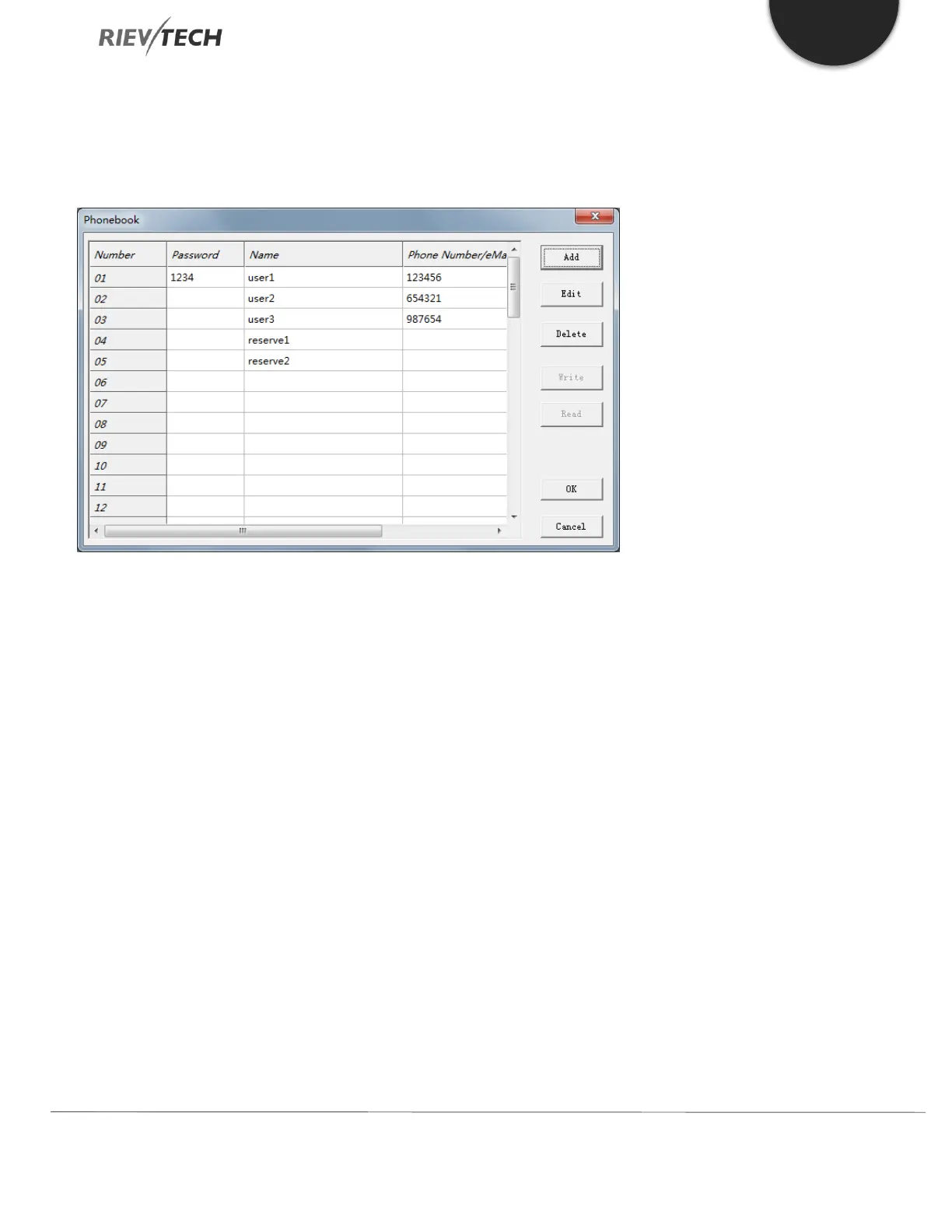
Existing Phone Book in xLogicsoft downloaded to GSM PLC
FORMAT:
##** (Start of Message Characters)
PB,<username>,<password>: (Command)
<new number> (New Phone Number)
; (End of Message Character)
This instruction will change the number of ‘user1’ with password ‘1234’ from 123456 to +44654321 in the above phone
book.
##**PB,user1,1234:+44654321;
If the entry does not have a password, then you MUST use a space:
##**PB,user2, :+44654321;
You can only modify one entry per SMS. After sending the SMS instruction, a short confirmation SMS will be returned
confirming successful change.



 To Next Page