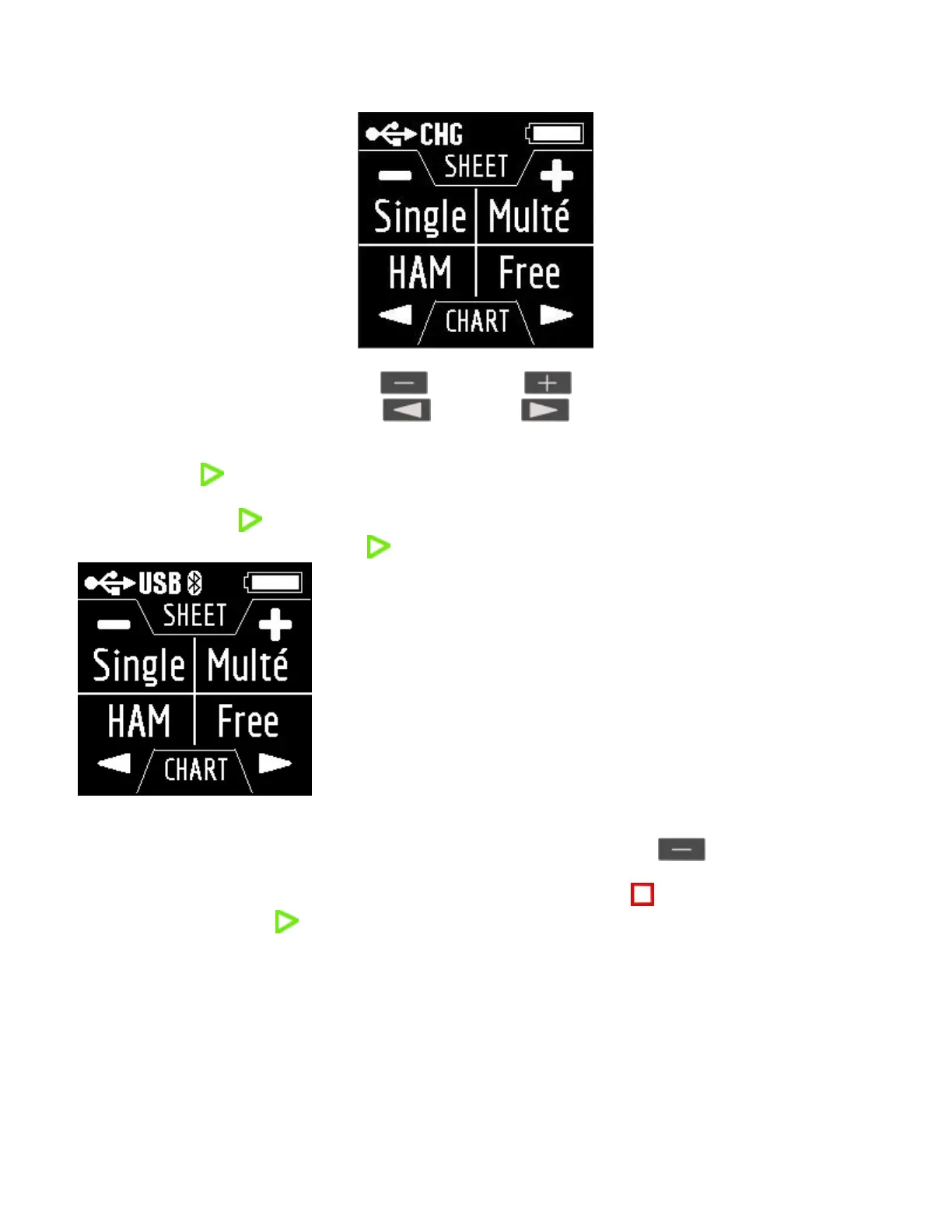
Singe Multé
HAM Free
The Singe and Multé functions display the measurement result as numbers, while the HAM and Free functions
display the measurement results as numbers and charts.
When you press in the Main Menu, 5 information screens will be available.
The first four screen will briefly talk about the main measuring functions of the analyzer (Single, Multé, HAM,
Free). By pressing the key, you can switch to the corresponding measurement mode.
On the fifth screen, when you press the key, you will enter the Settings menu.
The Single mode.
Single is a measurement of all parameters. The mode is started by pressing the key.
After pressing the key, the measurement will start automatically. This is indicated by a flashing antenna icon
located at the top of the screen. You can stop the measurement by pressing once. You can resume the
measurement by pressing once.
In Single mode, the analyzer has 5 screens with information.
The first screen displays:
working frequency
SWR value
return loss value
The second screen displays:
working frequency
|Z| value


 To Next Page