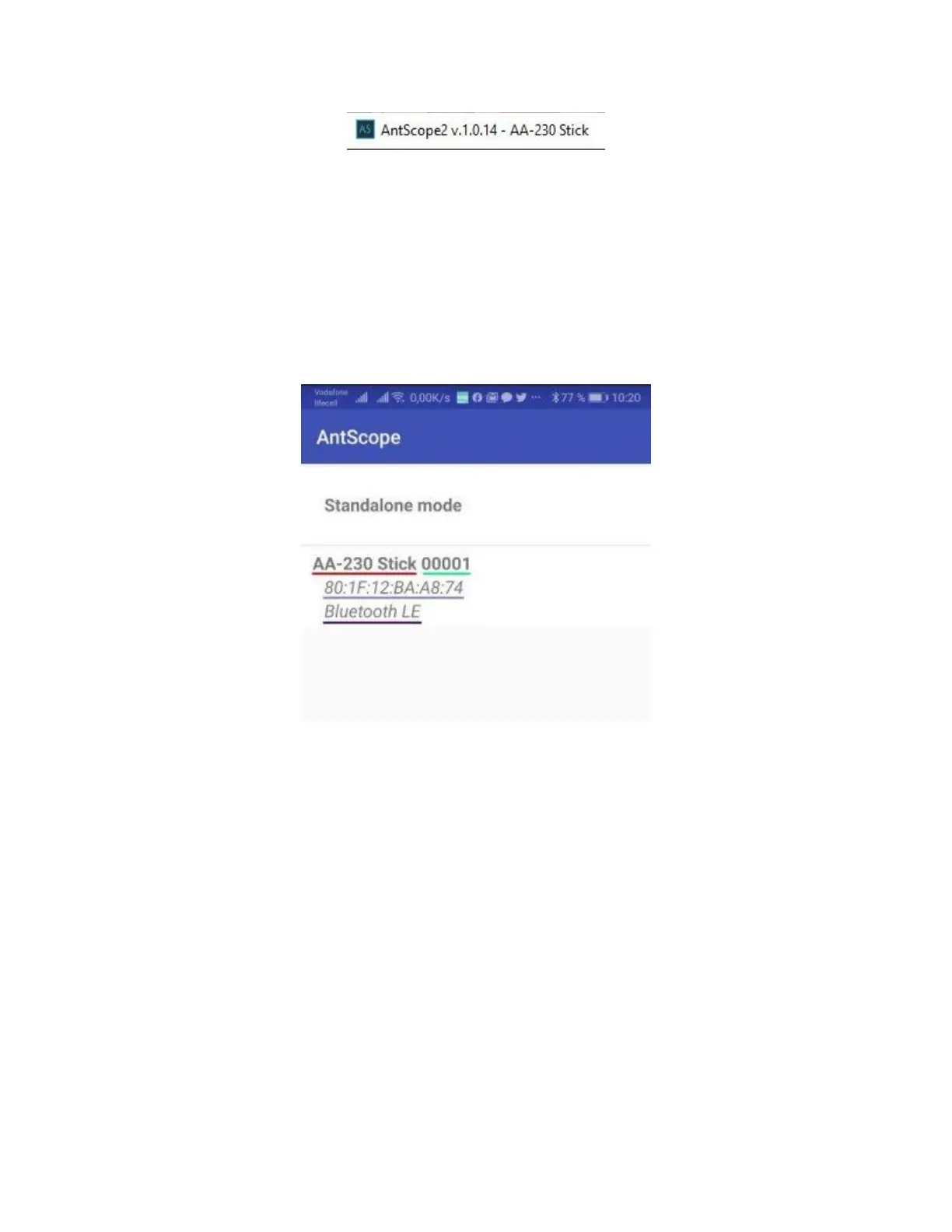
If the analyzer model does not appear, then this means that the program could not recognize the analyzer.
Try reconnecting the analyzer, closing and reopening the program, used a different USB cable.
Important! Using a Bluetooth connection, Stick 230 analyzer operation with AntScope2 is currently not possible. This is
due to limited support for the Bluetooth Low Energy protocol used in the analyzer in Windows operating systems.
The Stick 230 analyzer, together with AntScope for Android, works with smartphones and tablets running Android
version 6 and higher.
You can download AntScope for Android directly on Google
Play: https://play.google.com/store/apps/details?id=com.rigexpert.antscope&hl=en
When you connect the analyzer to a smartphone with AntScope for Android, you will see the following
information:
The window displays the following information:
analyzer model
serial number
MAC address
Bluetooth version
If the analyzer is successfully connected to the program, the BLE icon will appear at the top of the analyzer
screen next to the Bluetooth icon:


 To Next Page