RigMaster Power Service and Repair Manual
Document # S290909
Copyright RigMaster Power by Mobile Thermo Systems Inc. 09-28-09
S2.9 Replacing the Engine Oil and Oil Filter
It is important to follow the recommendations below when changing or filling the lubricating oil
system. This will avoid the possibility of a hydraulic lock within the cylinder(s) occurring.
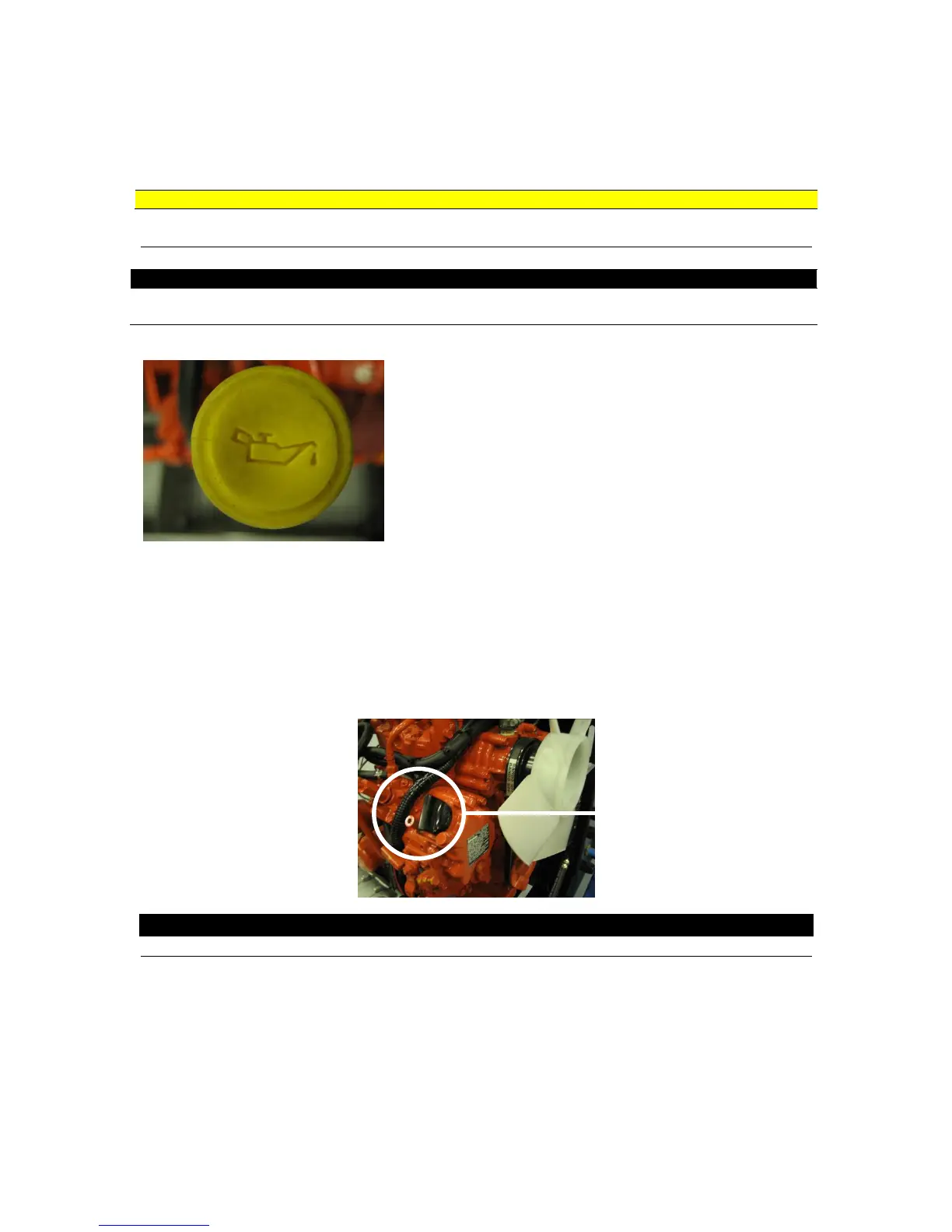
Remove the oil filler cap from the timing case.
1. Remove the oil dipstick from the dipstick tube and wipe
clean; DO NOT REPLACE THE DIPSTICK AT THIS
TIME.
2. Remove the access hatch from the bottom plate of the
engine enclosure (6 x 7/16” hex head screws, lock
washers and washers).
3. Remove oil drain plug, drain the oil and replace the oil
drain plug.
4. Remove and replace the oil filter.
5. Fill the lubricating oil system with the recommended quantity of oil. On T4-6 models fill oil
through the fill port on the timing cover. On 14-6 and older models, fill oil slowly through the
rocker cover fill port. Filling oil too quickly can result in oil spilling over into the intake
and cylinders causing hydraulic lock.
6. Replace the oil filler cap.
7. Operate the engine until operating temperature has been reached (approx. 5 minutes).
8. Stop the engine for 15 minutes to allow oil to drain down to the pan.
9. Check the lubricating oil level on the dipstick and add oil as necessary.
NOTE
Replace engine oil and filter every 1000 Hours
Units with the Tier 4 engine have a second fill cap placed on the timing cover. When filling oil on
Tier 4 engines, use the timing cover fill port to prevent any hydraulic lock of the cylinders.


 To Next Page
 Loading...