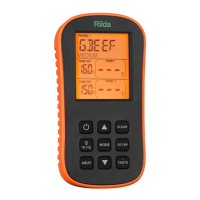
LCD Screen
Buttons
1. MODE-Press to select thermometer Probe 1, thermometer Probe 2,Timer or Smoker mode. Press
and hold for 2 seconds to enter Synchronization/Pairing mode.
2. -In thermometer mode(Probe 1,2 or Smoker), press once to increase the temperature value.
press and hold for 2 seconds and the temperature value will increase at a faster pace. In timer mode,
press once to increase Hour, Minute or Second setting. Press and hold for 2 seconds, the hours,
minutes or seconds will increase at a faster pace.
3. -In thermometer mode(Probe 1,2 or Smoker), press once to decrease the temperature value.
Press and hold for 2 seconds and the temperature value will decrease at a faster pace. In timer mode,
press once to decrease Hour, Minute or Second setting. Press and hold for 2 seconds, the hours,
minutes or seconds will decrease at a faster pace.
4. ST/SP-In Timer mode, When setting the timer, press to confirm the setting. When the timer
setting is set, press once to start the timer. When the timer is running, press once to pause the
timer.In Smoker mode, When setting the temperature value, press to confirm the setting. When
the temperature value setting is set, press once to start the monitoring. When the monitoring is
running, press once to pause the monitoring.
5. CLEAR-When the timer is pause, Press to clear timer setting.
6. MEAT-In thermometer mode(Probe 1 or 2), press to select to select the meat type:
PROG(program-User Self-Defined), GBEEF(Ground Beef), GPOUL(Ground Poultry), BEEF,VEAL,
CHCKE(Chicken), PORK, POULT(Poultry), LAMB & FISH and OVEN.
7. -In thermometer mode(Probe 1 or 2), when meat is BEEF, VEAL, PORK & LAMB, press to
select the meat taste level: RARE, MED RARE, MEDIUM, MEDIUM WELL and WELL DONE.
8. -Press once to turn on or off the backlight, Press and hold for 2 seconds to select
temperature readings in Celsius or Fahrenheit.
9. -Press and hold for 2 seconds to turn ON/OFF the receiver.
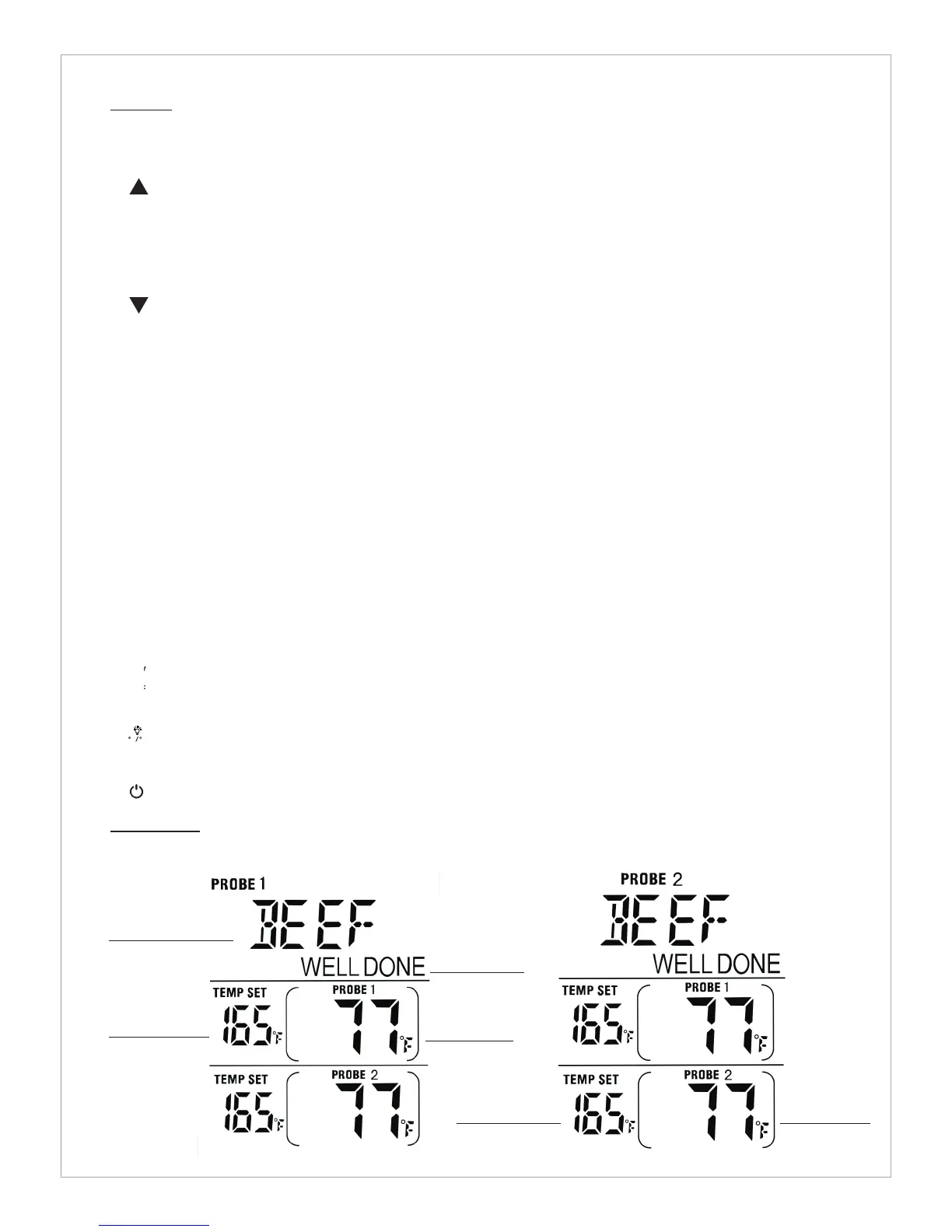
Thermometer Mode
F C
TASTE
Meat Type
Probe 1 Temp
Reading
Taste Level
Probe 2 Temp
Reading
Probe 1 Temp
Seting
Probe 2 Temp
Seting


 To Next Page
 Loading...