Operation Instruction for UNION
A. Insert a power cord into the main Inlet.
B. Turn the power switch ON
C. Before switching off, better to set all buttons & indicators to “Minimum” or “OFF”
Adjusting Flash Output
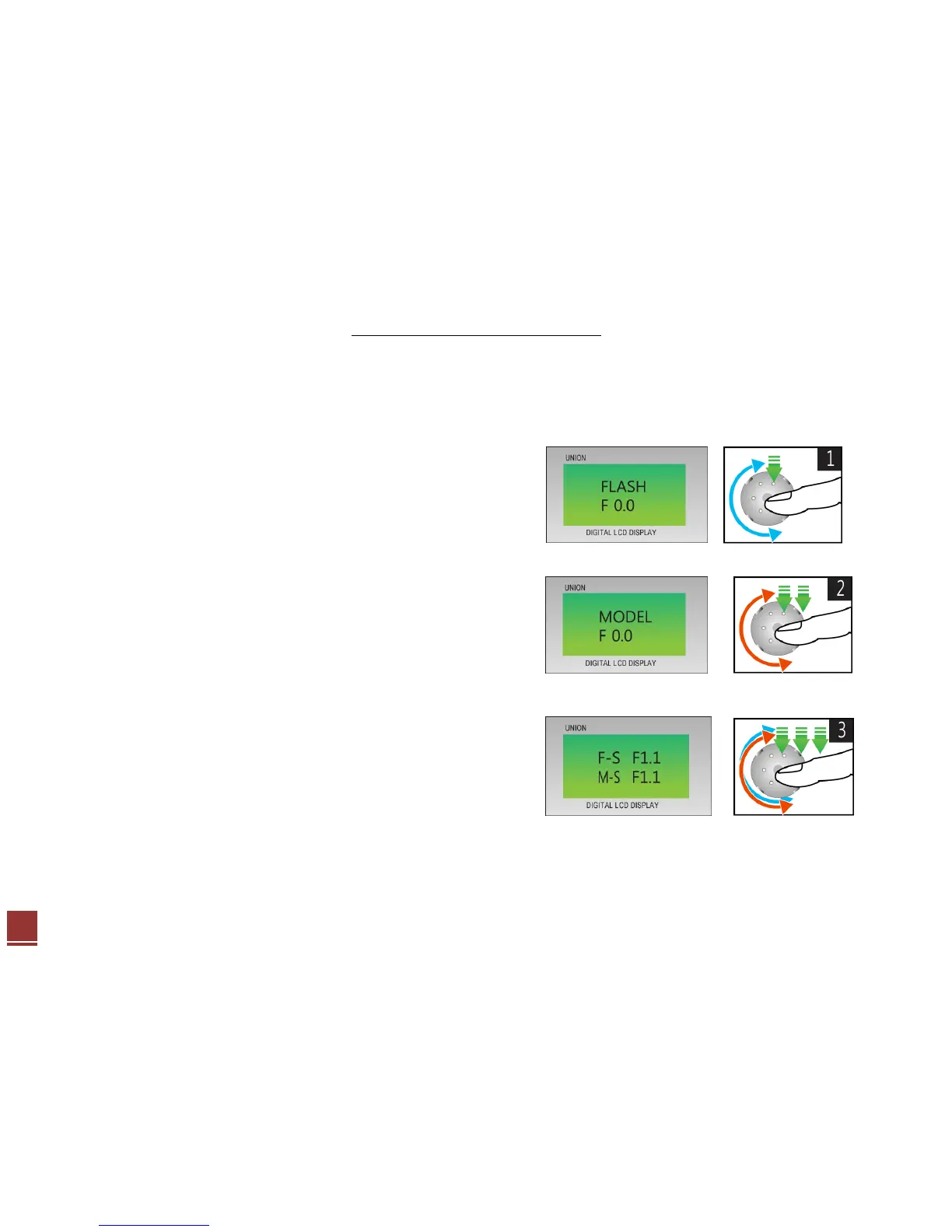
1. How to adjust Flash Power Output
- Press Digital Volume once, then you can see below image.
- Turn the Digital Volume right or left if you want to control the output.
2. How to adjust Modeling Light
- Press Digital Volume twice, then you can see below image.
- Turn the Digital Volume right or left if you want to control the modeling Light.
3. How to adjust Flash & Modeling Light
- Press Digital Volume three times, then you can see below image.
- Turn the Digital Volume right or left if you want to control the flash and modeling Light.



 To Next Page