Need help?
Do you have a question about the ring Range Extender and is the answer not in the manual?
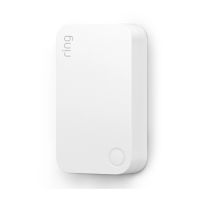
Provides a visual representation of the Ring Range Extender, highlighting its LED Ring indicator.
Instructions for initiating device setup in the Ring app by selecting 'Set Up a Device' and then the specific extender.
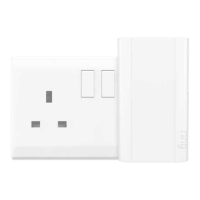
Details the initial physical step of plugging the extender into a wall outlet to power it on.
Guides users to scan a QR code or enter an S2 PIN found on the device or packaging for identification.
Explains how the extender's LED ring patterns indicate connection status, such as waiting, connected, or errors.
Advises on positioning the extender between the base station and a device needing a signal boost for better performance.

 To Next Page
 General