Try it out!
After setup, tap the Live View
button in the Ring app to see
video from your Spotlight Cam.
If you have any problems, visit
ring.com/help.
White light flashing?
If the light on the bottom of your Spotlight Cam flashes or
stays illuminated after setup, this means it’s updating its
internal software.
This update can take up to a few minutes. The light turns off
when the update is complete.
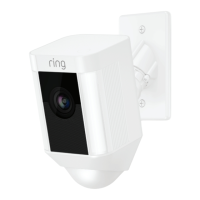
Adjust the camera angle.
To ensure accurate motion detection, position your
Spotlight Cam so the border of the motion detector is
parallel with the ground.
Tighten the side screw to secure the camera position.
1918
Spotlight_Cam_Wired_Hardwire_Kit_MANUAL_v7.indd 18-19 6/1/20 9:19 PM


 To Next Page
