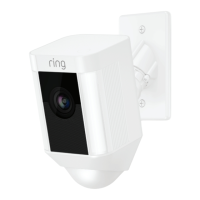
Remove your Spotlight Cam from its base.
While holding the mounting base, turn Spotlight Cam to the
left to disengage it, and set the camera aside for now.
1 2
Mounting Styles: Wall
When mounting to a vertical wall, you’ll usually want the
mounting port to face downwards.
Ensure that the electrical box you use is weatherproof,
including threaded plugs. Use sealant if necessary.
4” Round 2x4 Vertical 2x4 Horizontal
Mounting Styles: Ceiling
If mounting to a horizontal surface, face the port in the
direction you want the camera to see.
98
Spotlight_Cam_Wired_Hardwire_Kit_MANUAL_v7.indd 8-9 6/1/20 9:19 PM


 To Next Page
