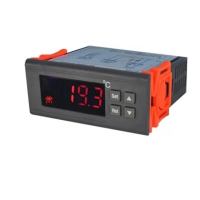
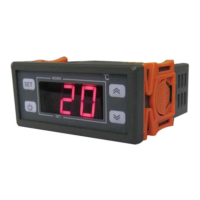
In normal working status, press SET, display the current temperature value, use UP or DOWN
button to adjust the ideal temperature you want. Tips: press on UP or DOWN can enter into
rapid adjustment. After adjustment, press SET to return to normal working status, or without
any operation for 15 seconds, the controller will return to normal working status and save the
adjustments.
2. Maintain Parameters Setting:
In normal working status, press on SET for 3 seconds, set indicator is on, and enter into
maintain menu. When display HC, use UP or DOWN button to adjust the mode you want. Tips:
press on UP or DOWN can enter into rapid adjustment. After adjustment, press SET to the
next parameter, use the same method to set the rest parameters. When finishing, press on
SET for 3 seconds or without any operation for 15 seconds, the controller will return to normal
working status and save the adjustments.
3. Switch on and off:
In the off status, press POWER button to switch on; in the on status, press POWER button 5
seconds to switch off the controller.
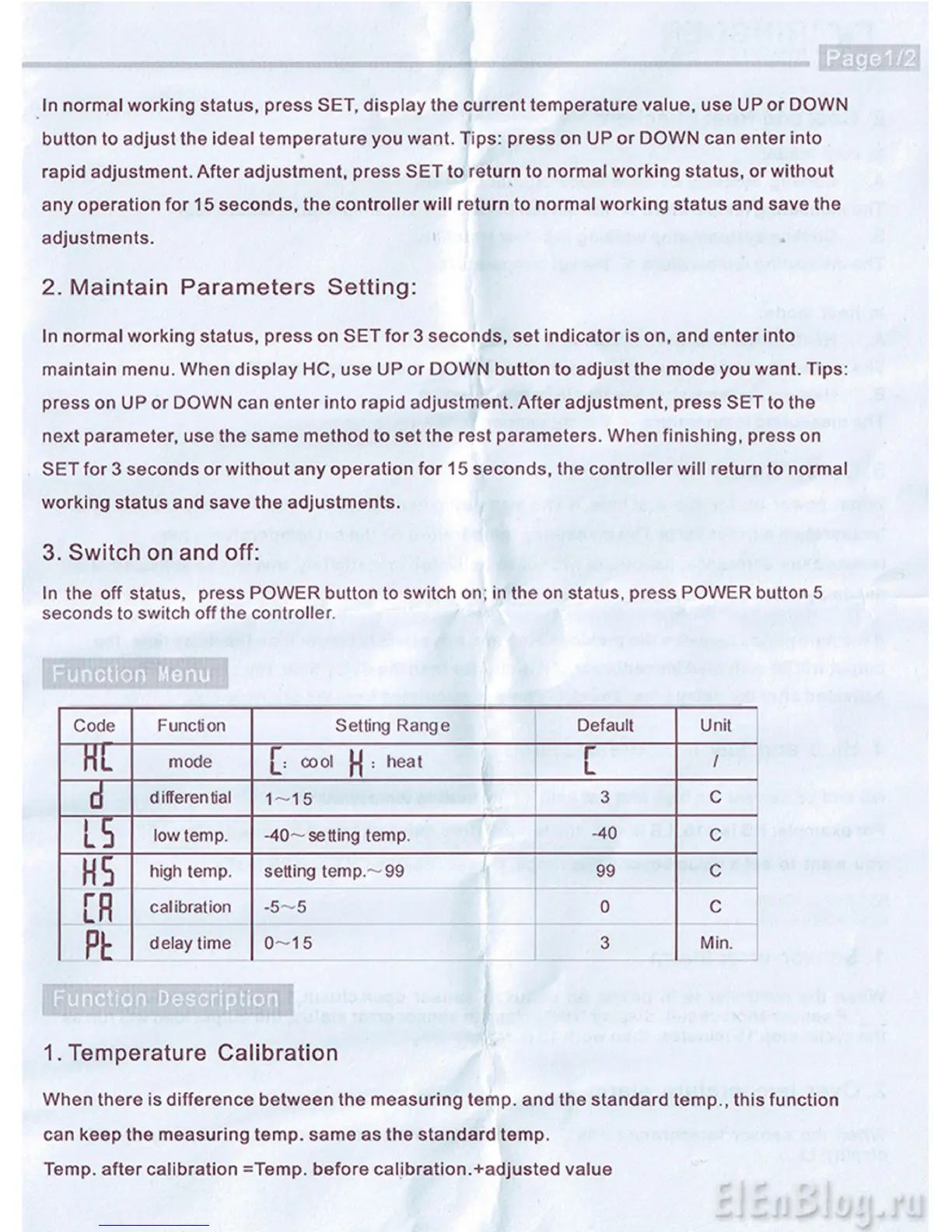
Function Menu
Code
Function Setting Range
Default
Unit
HL
mode cool (•{ : heat
[
/
d
differential
1-15
3 C
l5
low temp. -40—setting temp.
-40
C
HS
high temp. setting temp—99 99 c
[R
calibration
-5-5
0 c
ft
delay time
0-15 3 Min.
im
i wii
1. Temperature Calibration
When there is difference between the measuring temp, and the standard temp., this function
can keep the measuring temp, same as the standard temp.
Temp, after calibration =Temp. before calibration.+adjusted value


 To Next Page
 Loading...