Contents Index
14
Rio Cali
:: Mac
Follow these instructions to load the software that enables your Macintosh to recognize the Rio Cali. The installa-
tion also loads iTunes music management software.
1 Place the software CD label-side up into the computer’s CD-ROM drive.
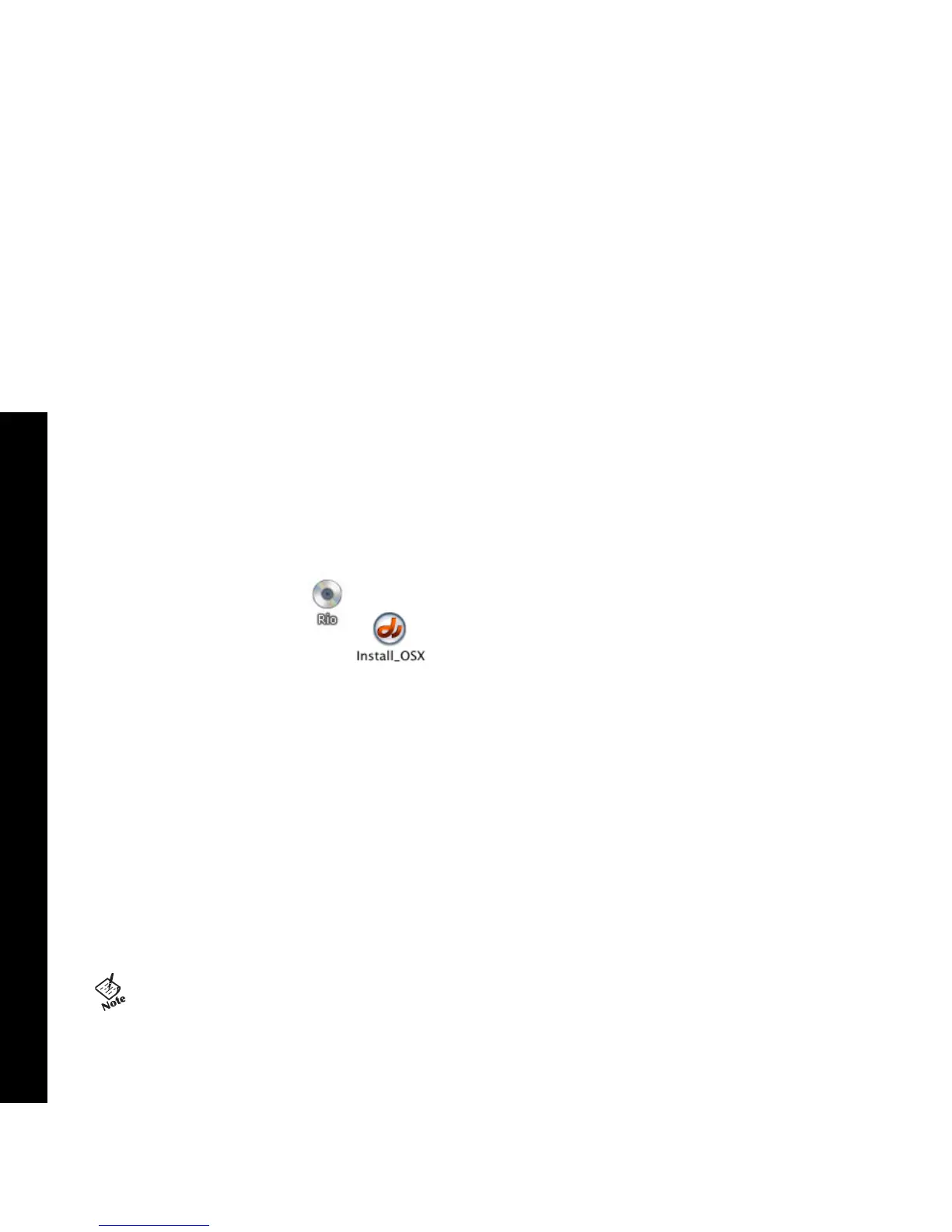
Double-click the Rio icon, , on your computer’s desktop.
2 Double-click the Install OSX icon, .
The Rio Software Screen will display.
3 Click Install.
4 Follow the on-screen instructions to install the software.
5 If prompted, reboot the computer when the installation is complete.
• Rio installation software only supports the OSX operating system.



 To Next Page