Contents Index
26
Rio Cali
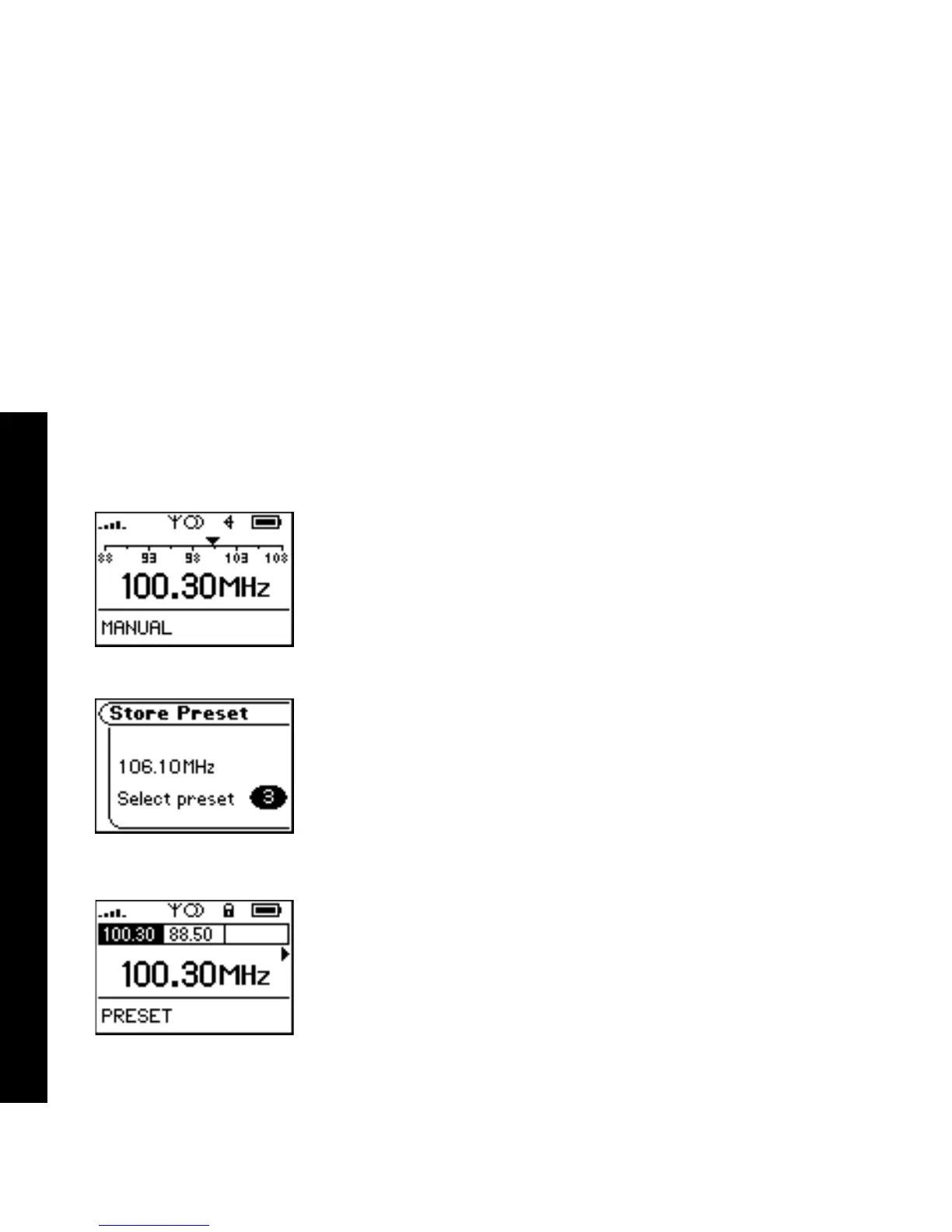
Manual
Follow these steps to enter the manual Tuner mode:
1 Press MENU.
2 Select Tuner.
3 Press RIOSTICK.
Store Preset
The Rio Cali allows programming of up to 8 FM preset slots.
1 When in Manual mode, tune to a frequency you wish to store to a preset slot.
2 Press and hold RIOSTICK to enter Store Preset mode.
3 Select FORWARD or REVERSE with the RioStick to cycle to the desired preset
station slot.
4 Press RIOSTICK to store the frequency to the selected FM preset slot.
After a frequency has been stored to a slot the player will enter Preset mode.
Preset
FM preset slots can be accessed within seconds using Preset mode.
1 When in Manual mode, press RIOSTICK to enter Preset mode.
2 Select FORWARD or REVERSE with the RioStick to cycle to the desired preset
station slot.
3 Press RIOSTICK to select a preset station and return to Manual mode.



 To Next Page