
 Need help?
Do you have a question about the Rio Riot and is the answer not in the manual?
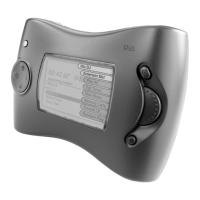
Introduces the Rio player's capabilities, storage capacity, and key features like USB connectivity and LCD display.
Details the music management software for Windows computers, including system requirements.
Details the music management software for Apple Macintosh computers, including system requirements.
Steps to rip audio CDs using RealJukebox software on a PC, including track selection and recording.
Steps to rip audio CDs using iTunes software on a Mac, including track selection and importing.
Procedure to transfer music files from a PC to the Rio player using RealJukebox software.
Procedure to transfer music files from a Mac to the Rio player using iTunes software.
General steps for checking and upgrading the player's firmware version.
Instructions for obtaining the latest firmware files from the official website.
Step-by-step guide for upgrading firmware on both PC and Mac platforms.
Details on warranty terms, coverage exclusions, and the process for requesting service.
 General
| Brand | Rio |
|---|---|
| Model | Riot |
| Category | Car Stereo System |
| Language | English |

 To Next Page