5
Reset Configuration to Defaults
If you are unsure of the scanner configuration or have scanned the incorrect codes,
please scan the “Reset Configuration to Defaults” barcode. This will reset the scanner to
its factory defaults settings in PS/2 interface.
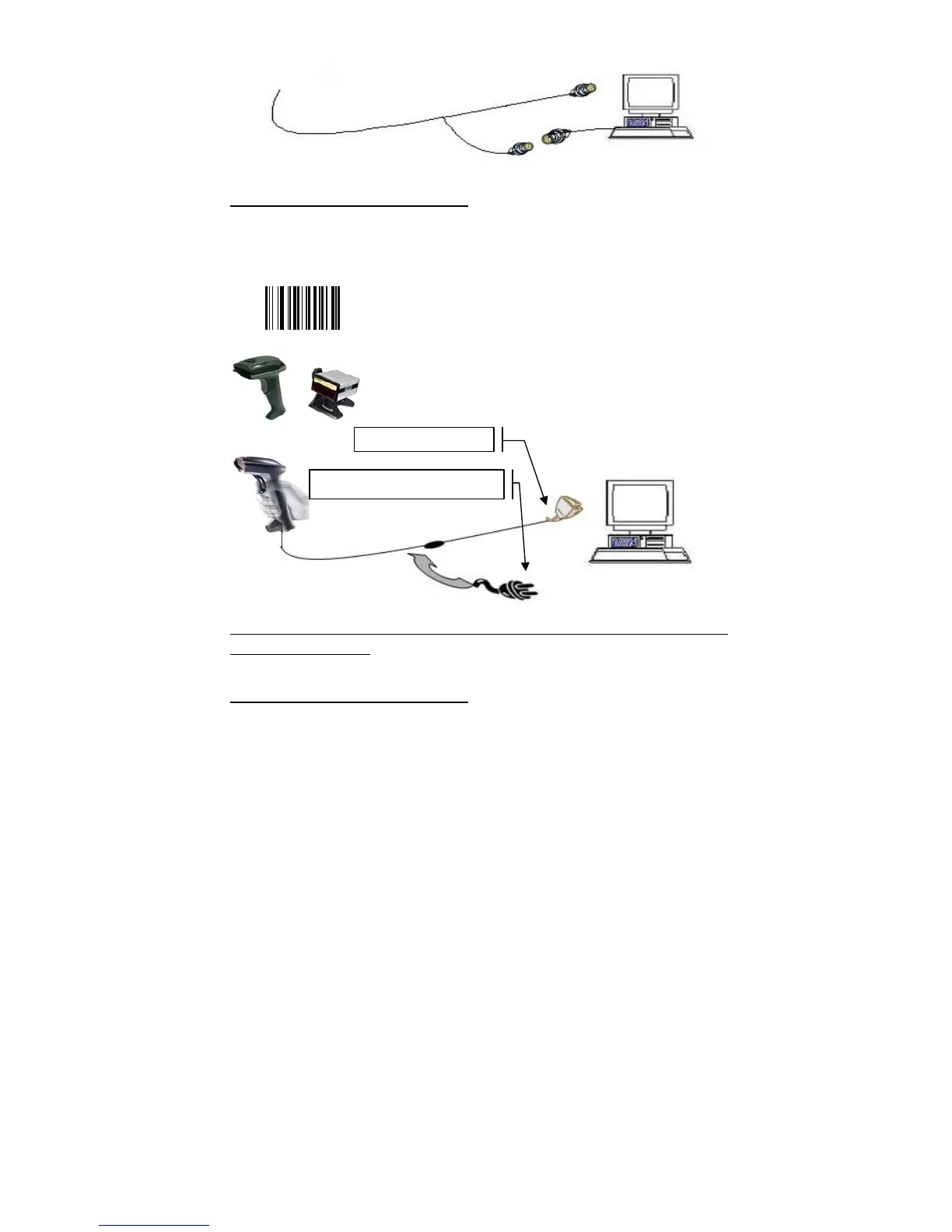
3. RS232 cable Connection:
NOTE: for Serial port (RS232 cable), please plug the power connector of 5V power
adapter to RS232 cable.
Reset Configuration to Defaults
If you are unsure of the scanner configuration or have scanned the incorrect codes,
please scan the “Reset Configuration to Defaults” barcode. This will reset the scanner to
its factory defaults settings. Then “000601” for RS232 serial setting.
Connect with PC
Require adapter for power supply


 To Next Page