2
Setting the normal time and date
• Press and HOLD the LAP/RESET button for 3 seconds and the SECONDS will begin to flash.
• Press START/STOP to set seconds to zero.
• Press MODE the minutes will be flashing, press START/STOP to set the minutes.
• Press MODE the hour will be flashing, press START/STOP to set the hour.
• Press MODE 12 or 24 hour time will be flashing, press START/STOP to set the 12 or 24 hour
time.
• Press MODE the month will be flashing, press START/STOP to set the month.
• Press MODE the date will be flashing, press START/STOP to set the date.
• Press MODE the year will be flashing, press START/STOP to set the year.
• Press LAP/RESET to finish setting.
CANDY 2 DIGITAL WATCH
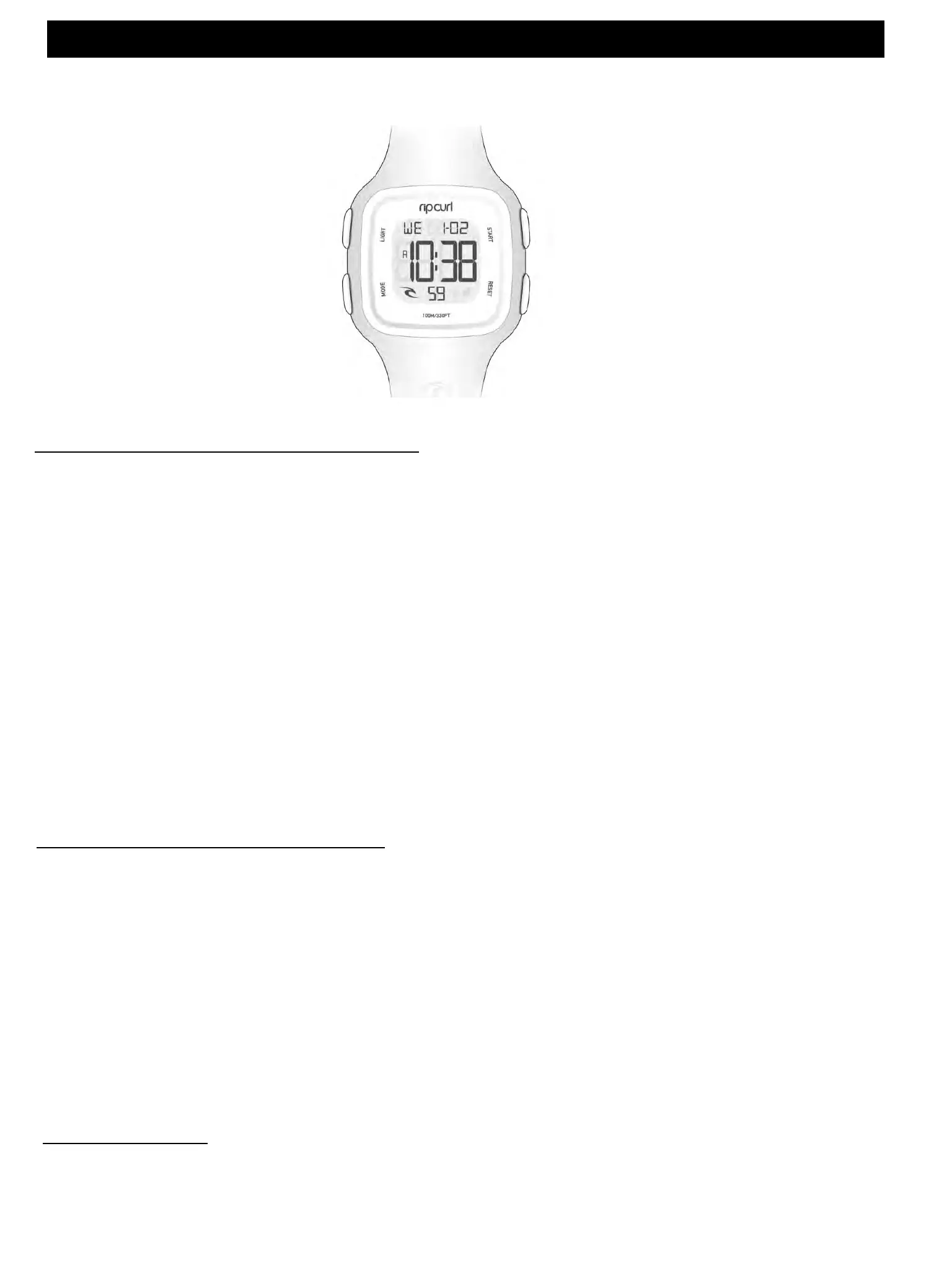
*Please make sure your watch matches the display shown. Rip Curl produce
two versions of this watch.
Setting the dual time function
• In TIME MODE Press START/STOP to enter time 2 (T2) on your watch.
• Press and HOLD the LAP/RESET button for 3 seconds and the minutes will begin to flash.
• Press START/STOP to set the minutes.
• Press MODE the hour will be flashing, press START/STOP to set the hour.
• Press LAP/RESET to finish setting.
Light function
• In any mode press LIGHT and the screen will stay lit for three seconds.
Light
Mode
Start / Stop
Lap / Reset













 To Next Page