4
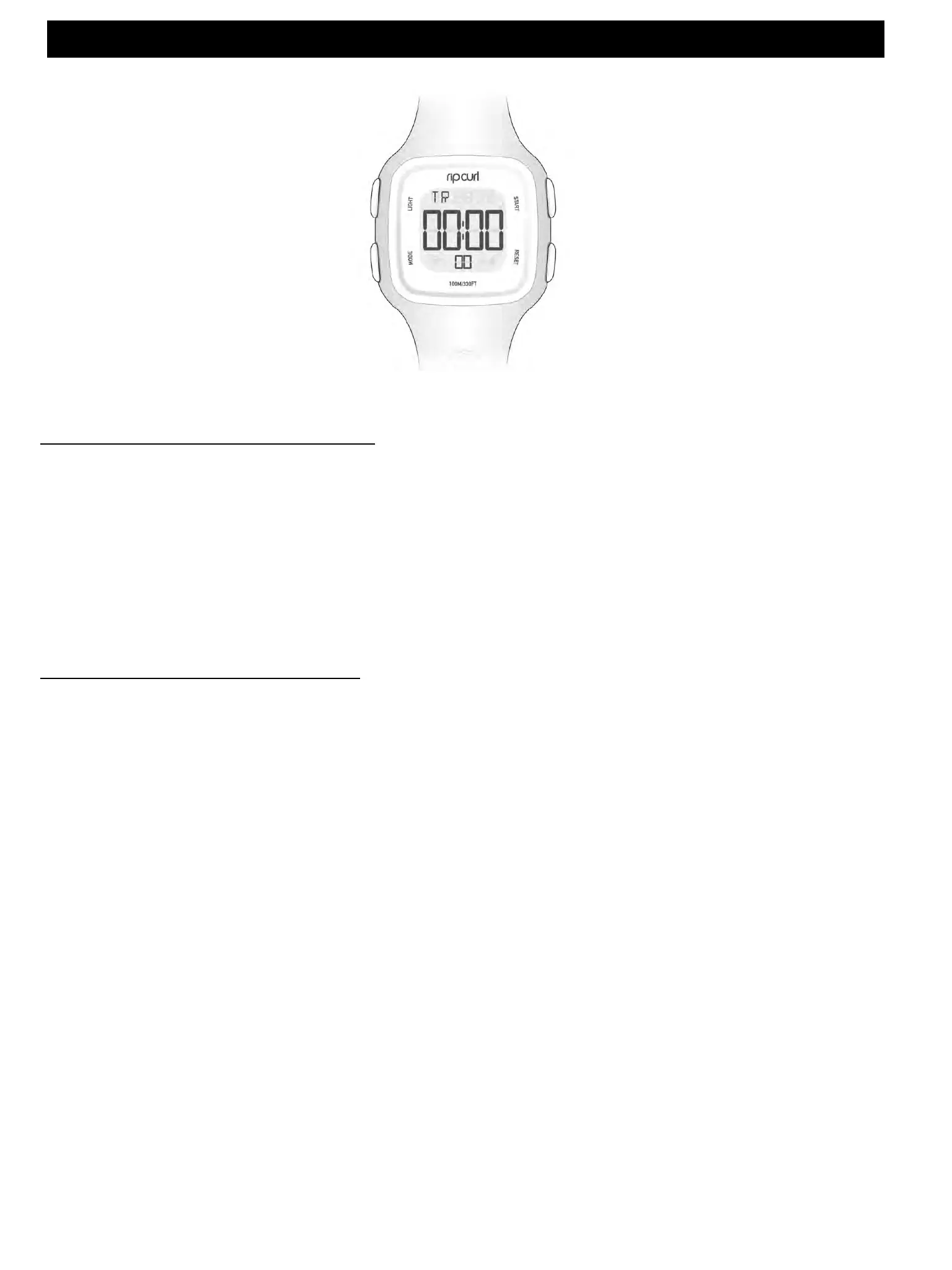
Setting the countdown timer
• In TIMER mode. Press and HOLD the LAP/RESET button for 3 seconds and the hours will begin
to flash.
• Press START/STOP to set the hour.
• Press MODE the minutes will be flashing, press START/STOP to set the minutes.
• Press LAP/RESET to finish setting.
CANDY 2 DIGITAL WATCH
Light
Mode
Start / Stop
Lap / Reset
Using the countdown timer
• In TIMER mode. Press the START/STOP button and the countdown timer will begin.
• Press START/STOP to stop the countdown timer.
• Press LAP/RESET to reset the countdown timer.













 To Previous Page